

CANVA
Easy Peasy
A MINI COURSE
What if opening Canva felt like opening a gift instead of a junk drawer?


42 minutes · 8 lessons · Implement in an afternoon
Sound familiar?
You open Canva.
You need that one design — you know, the one you made a few weeks ago. You scroll. And scroll. And scroll some more.
Nothing is named. Everything looks the same. You can't find your clip art. You can't remember which folder anything is in. Or maybe nothing is in a folder at all.
So you either start from scratch (again) — or you just... don't. Another idea left on the table.

Hi, I’m Michelle!
I've been using Canva for years — to create digital products, sell templates, and brand every corner of my business, from newsletters to courses.
Canva templates alone have added over $100K to my revenue.
But none of that would have been feasible with a junk drawer account — and it's way too easy to end up with one. In this mini course, I'm showing you exactly how I keep mine organized so that creating always feels easy, inspired, and fun.

This is not a course about how to use Canva. This is about how to organize and run your Canva account like someone who means business.
⭐⭐⭐⭐⭐
“I can already feel how much easier it’ll be now”
“Quick note to say HUGE thanks for this! With the exception of one more folder to get consolidated, I have all of this complete.
I did hesitate to buy this program, because I’d already done so much with my Canva account over time. But this work on it today sincerely made me excited to get in and create things moving forward. I can already feel how much easier it'll be now that it’s organized as you suggested.
ANGEL
⚡️ 🕰️ ⚡️
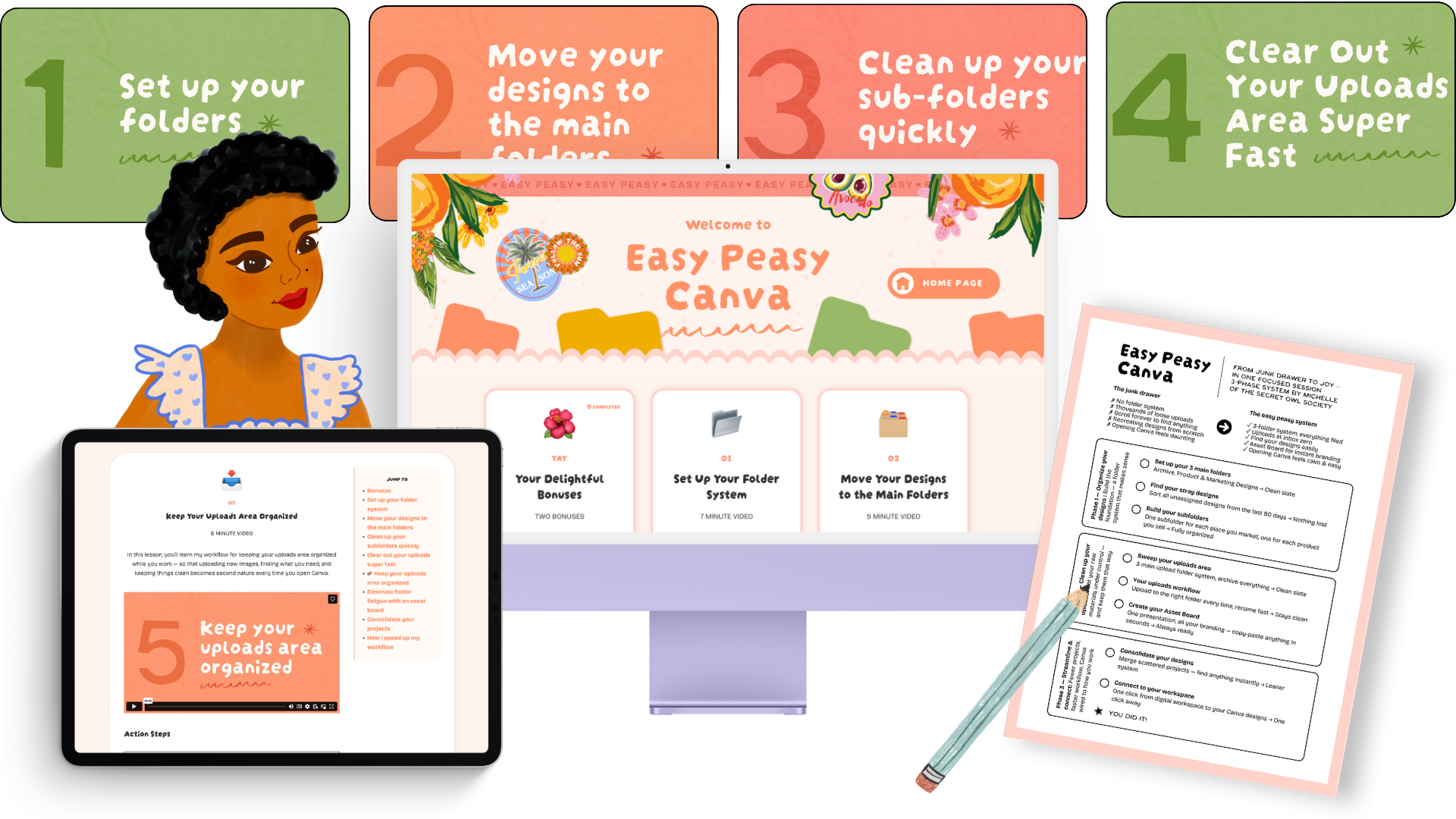
Fast to implement. 8 easy lessons, just 42 minutes of video — go from overwhelmed to organized and loving your Canva account.
-
📂
01
Set Up Your Folder System
-
🗃️
02
Move Your Designs to the Main Folders
-
✨
03
Clean Up Your Subfolders Quickly
-
🖼️
04
Clear Out Your Uploads Area Super Fast
-
📥
05
Keep Your Uploads Area Organized
-
🎨
06
Eliminate Folder Fatigue with an Asset Board
-
✂️
07
Consolidate Your Projects
-
🔮
08
How I Speed Up My Workflow
-
🎁
BONUSES
Read more about the bonuses below
Plus Two Bonuses!
BONUS WORKSHOP
How to Make and Sell Your Own Canva Templates
You're already in Canva creating things. Why not get paid for them? This bonus walks you through how to package your designs as templates and start selling them — even if you never have before.

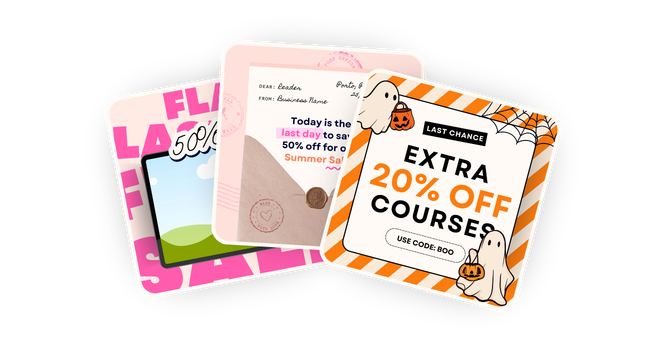
BONUS TEMPLATES
My Promo Template Pack
A polished, plug-and-play Canva template packed with 55 graphics — so promoting your products always looks good and never feels like a chore.
⭐⭐⭐⭐⭐
“It truly works!”
Hi Michelle! Thank you for sharing your system for tidying up Canva - it truly works! I've had Canva for years and it had gotten out of hand with all the random designs, graphics and folders. It got to the point that just the thought of opening Canva was overwhelming.
But then I took your Easy Peasy Canva course and managed to clean everything up in a couple of hours. So now, I'm feeling exited again about using Canva for my products and branding. Overwhelm gone! :-)
GIOVANNA


This is for you if...
✅ You use Canva regularly but your account feels like a disaster zone.
✅ You spend more time searching for designs than actually creating.
✅ You've thought about selling Canva templates but don't know where to start.
✅ You want to use Canva to build real income — products, templates, graphics — and you know that getting organized would supercharge your progress.
✅ You just want Canva to feel easy and fun again.
READY TO GET ORGANIZED?
Let's make it easy peasy
One-time payment. Lifetime access. Implement in an afternoon.

Only $47 right now
One-time payment · Lifetime access · Instant delivery
8 video lessons (42 minutes total)
Bonus: Make & Sell Canva Templates Workshop
Bonus: 55-piece Promo Template Pack
Lifetime access + future updates
Student support via customer chat
MAY PRICE: $57
JUNE PRICE: $67
JULY PRICE: $77
Please note, there are no refunds, so please read the page carefully before buying. You can reach out to me via the chat support button in the bottom left corner as well.
FAQ
-
Both. If you're newer to Canva, this gives you the best possible foundation from the start. If you've been using Canva for years and just let things get messy, this will help you do a full reset and finally feel in control.
-
This is a focused mini course — designed to be actionable, not overwhelming. You can implement it in a couple of hours or less - depending on how many designs you have in Canva. You’ll walk away with an implemented system.
-
You can always reach out to me via my customer support button inside the course. :)
Let it be easy
Canva is one of the most powerful tools available to creative entrepreneurs right now. Easy Peasy Canva gives you the framework to reclaim your time and get more out of every session. Simple. Fast to implement. And it will change the way you work in Canva forever.
