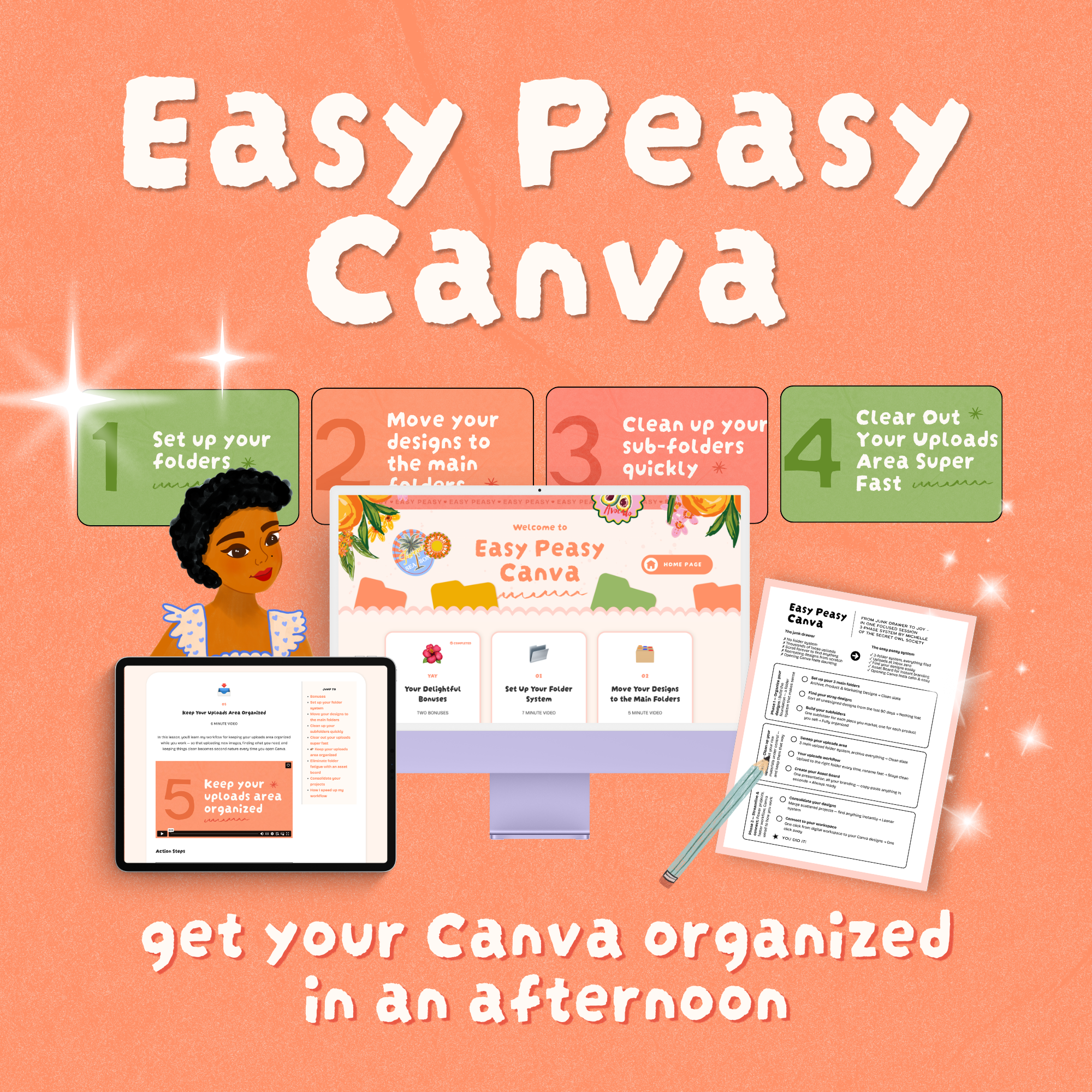
 Image 1 of 1
Sound familiar?
You open Canva.
You need that one design — you know, the one you made a few weeks ago. You scroll. And scroll. And scroll some more.
Nothing is named. Everything looks the same. You can't find your clip art. You can't remember which folder anything is in. Or maybe nothing is in a folder at all.
So you either start from scratch (again) — or you just... don't. Another idea left on the table.


⚡️ 🕰️ ⚡️
Fast to implement. 8 easy lessons, just 42 minutes of video — go from overwhelmed to organized and loving your Canva account.
-
📂
01
Set Up Your Folder System
-
🗃️
02
Move Your Designs to the Main Folders
-
✨
03
Clean Up Your Subfolders Quickly
-
🖼️
04
Clear Out Your Uploads Area Super Fast
-
📥
05
Keep Your Uploads Area Organized
-
🎨
06
Eliminate Folder Fatigue with an Asset Board
-
✂️
07
Consolidate Your Projects
-
🔮
08
How I Speed Up My Workflow
-
🎁
BONUSES
Read more about the bonuses below
Plus Bonuses!
BONUS WORKSHOP
How to Make and Sell Your Own Canva Templates
You're already in Canva creating things. Why not get paid for them? This bonus walks you through how to package your designs as templates and start selling them — even if you never have before.

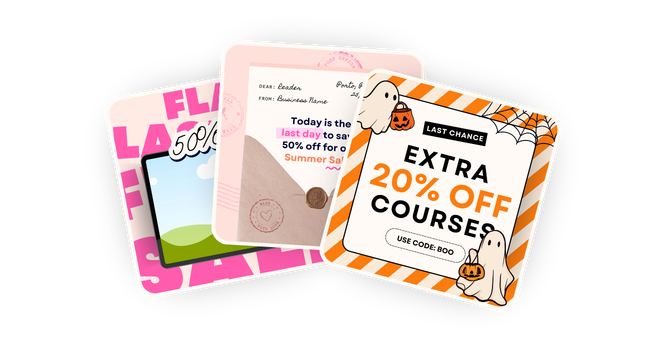
BONUS TEMPLATES
Promo Template Pack
A polished, plug-and-play Canva template packed with 55 graphics — so promoting your products always looks good and never feels like a chore.
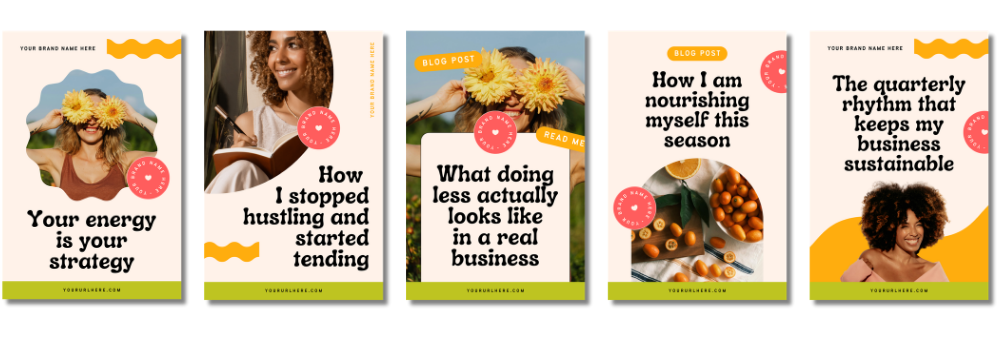
BONUS TEMPLATES
Pinterest Template Pack
Market your business on Pinterest with these pretty pins — five customizable templates you'll actually want to use, over and over again.
Happy Little Notes

READY TO GET ORGANIZED?
Let's make it easy peasy
One-time payment. Lifetime access. Implement in an afternoon.

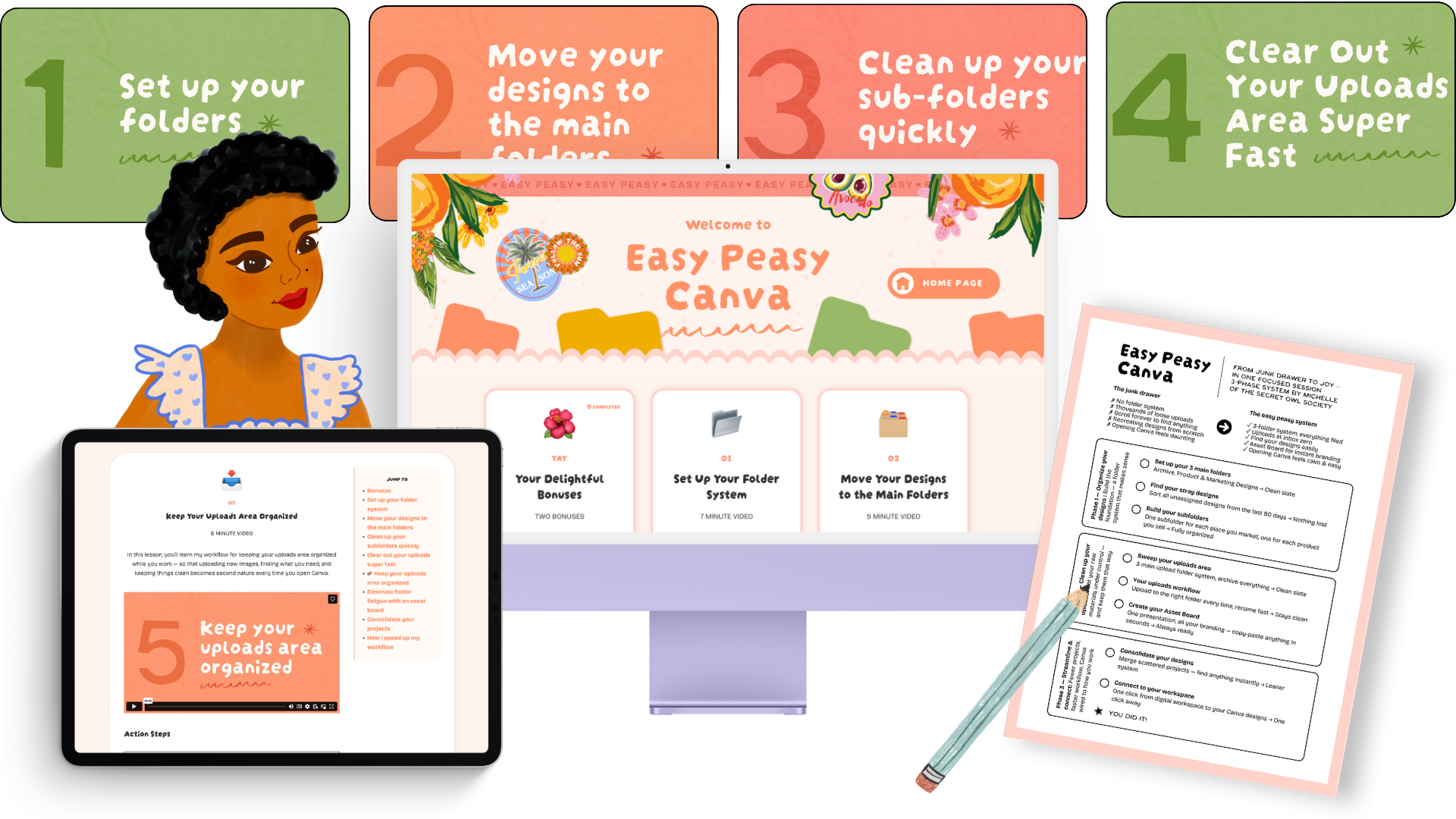
Only $47
One-time payment · Lifetime access · Instant delivery
8 video lessons (42 minutes total)
Bonus: Make & Sell Canva Templates Workshop
Bonus: 55-piece Promo Template Pack
Lifetime access + future updates
Student support via customer chat
Please note, there are no refunds. Please read the page carefully before buying. You can reach out to me via the chat support button in the bottom left corner as well. 😊