
 Image 1 of 3
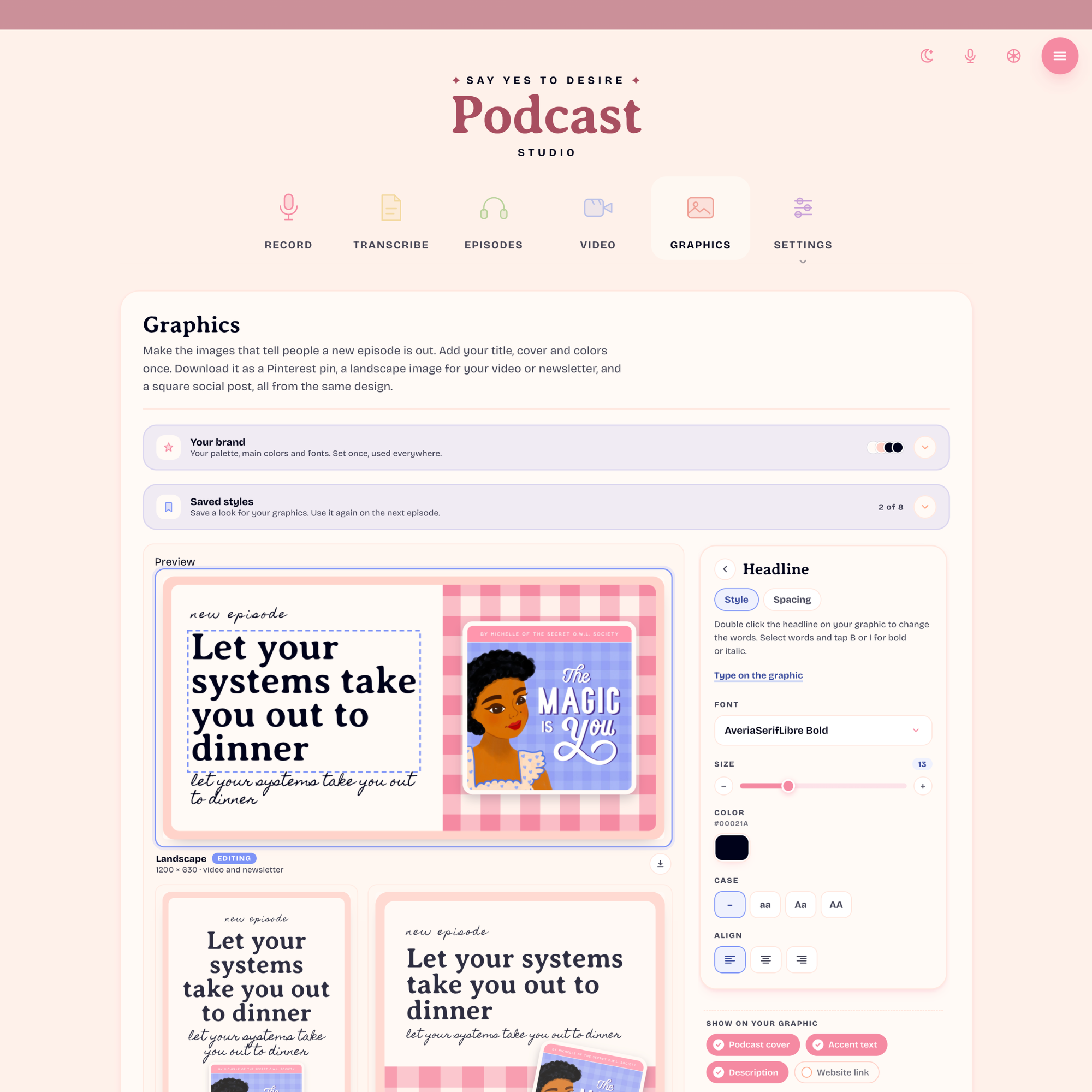 Image 2 of 3
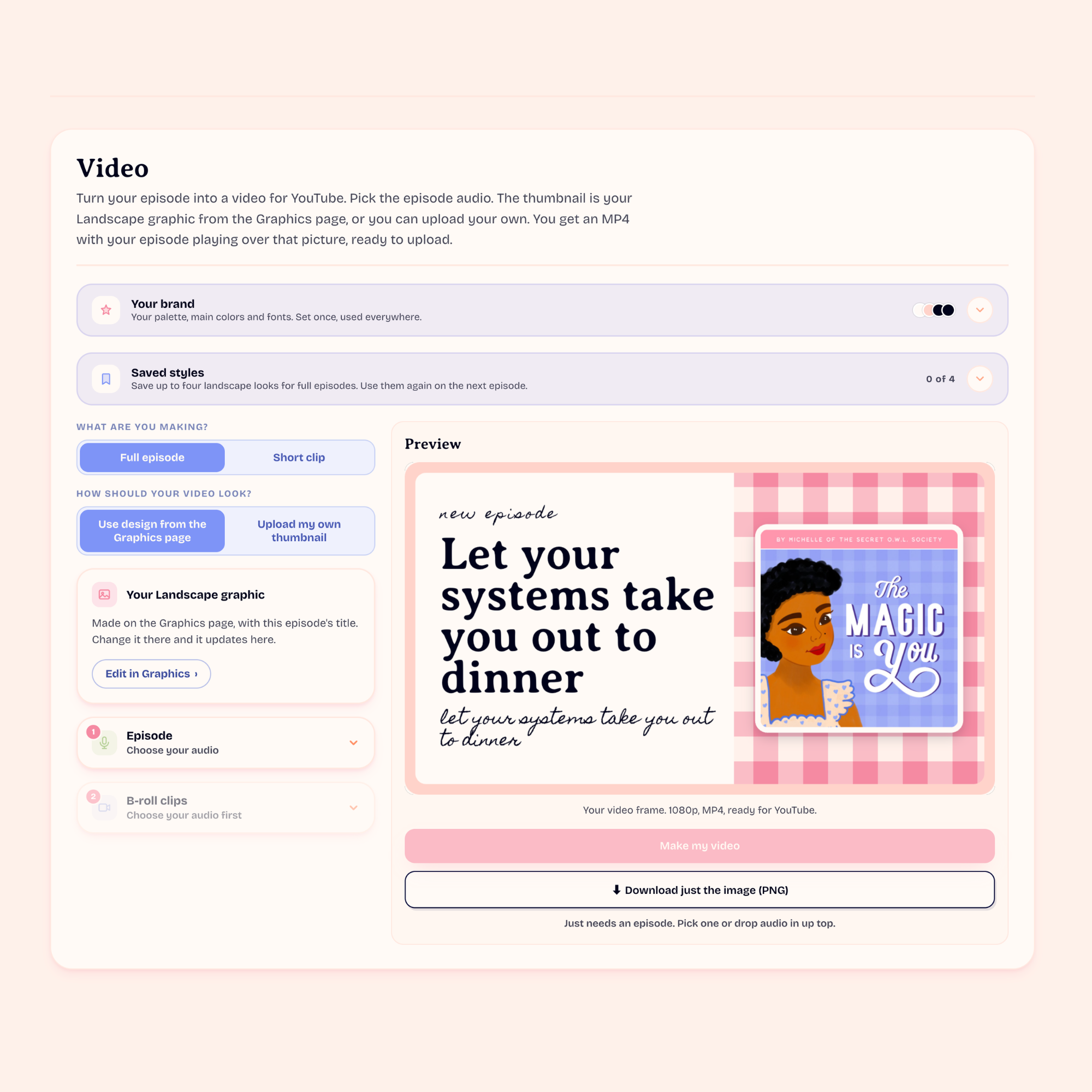 Image 3 of 3
The Easy Peasy Podcast Studio
Podcasting without the tech. Open it in your browser, press record, and download a finished episode. If you can send a voice note, you can make a podcast.
Record, edit, transcribe, and share.
Every step takes a click or two, so you spend your time talking, not figuring out tech.
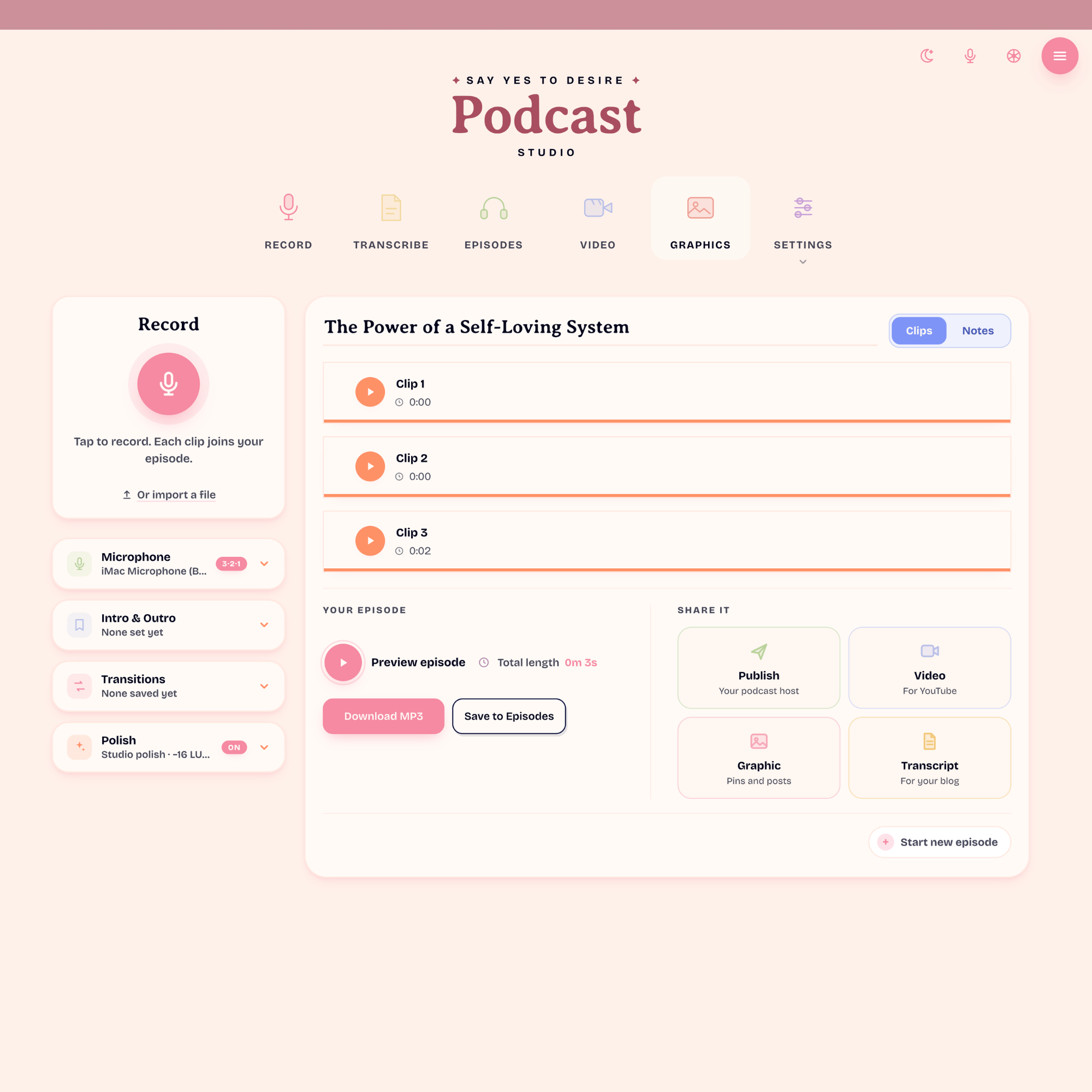
Press the big pink button
Talk in one take or a few little ones. A live waveform shows your voice, and each take becomes a clip you can drag into any order.
Fix things with one drag
Drag across anything you'd rather cut. It turns grey, and the play line skips right over it. Or leave it all in. That's fine too.
Get your words as text
Turn any episode into a transcript. Copy it into a blog post, a newsletter or your show notes.
Make a graphic to share
Create a graphic for your episode in your own colors. Download it for social posts and pins.
Turn it into a video
Make a YouTube-ready video from your episode and your cover art, without ever opening a video editor.
Questions
Does the studio publish my podcast?
No. The studio makes your finished episode as an MP3 file. To get it onto Spotify, Apple Podcasts and other apps, you upload it to a podcast host.
Which podcast host do you recommend?
I recommend Spotify for Creators. It's free, and it puts your show on Spotify for you.
How do I get on Apple Podcasts and other apps?
Once your show is on Spotify for Creators, you submit it to each app one time. Spotify has step-by-step guides that walk you through it.
Easy, all the way through.
The Easy Peasy Podcast Studio is exclusively available in the Say Yes to Desire program.
Join the program and the studio is yours, along with everything else inside Say Yes to Desire.
Join Say Yes to Desire