
 Image 1 of 16
 Image 2 of 16
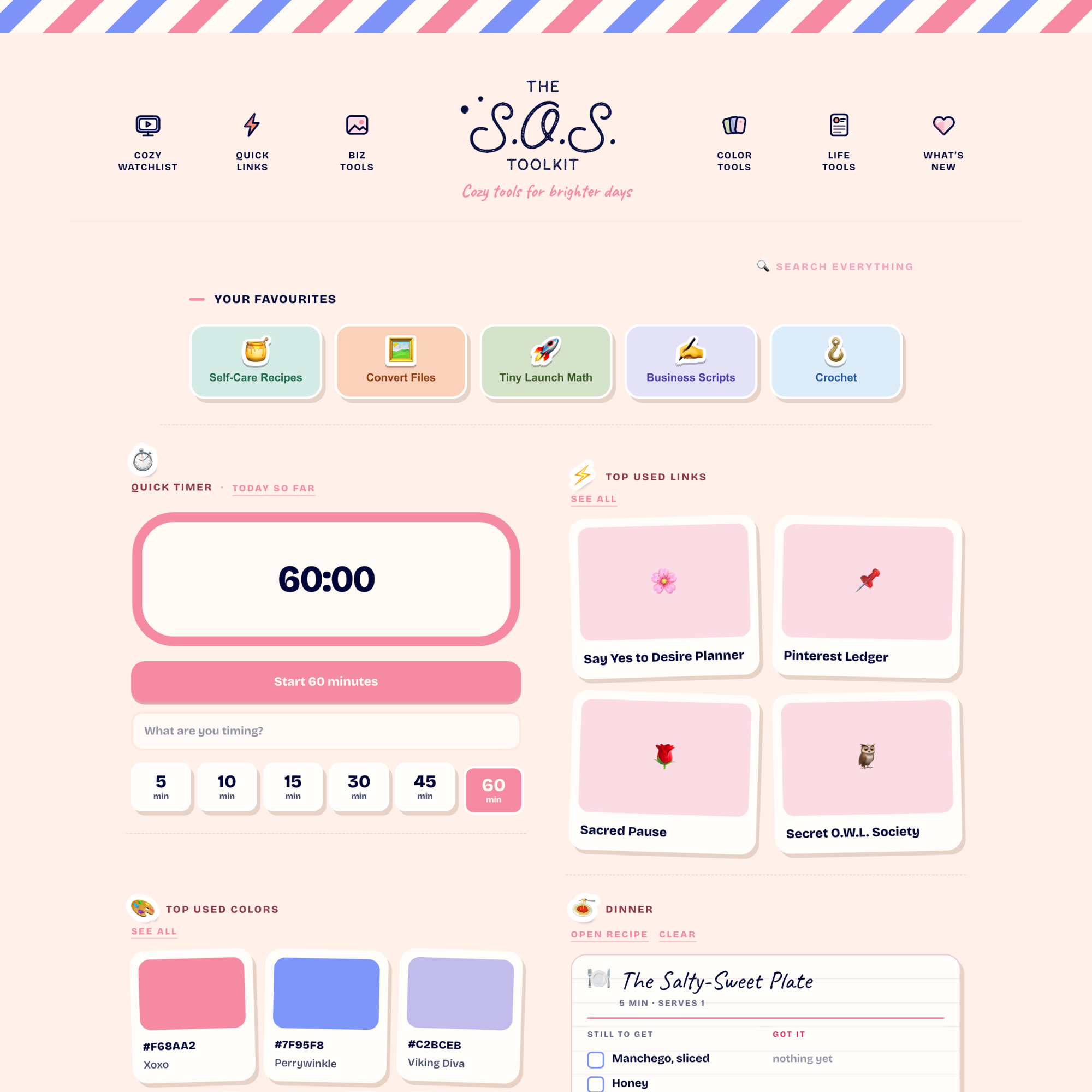 Image 3 of 16
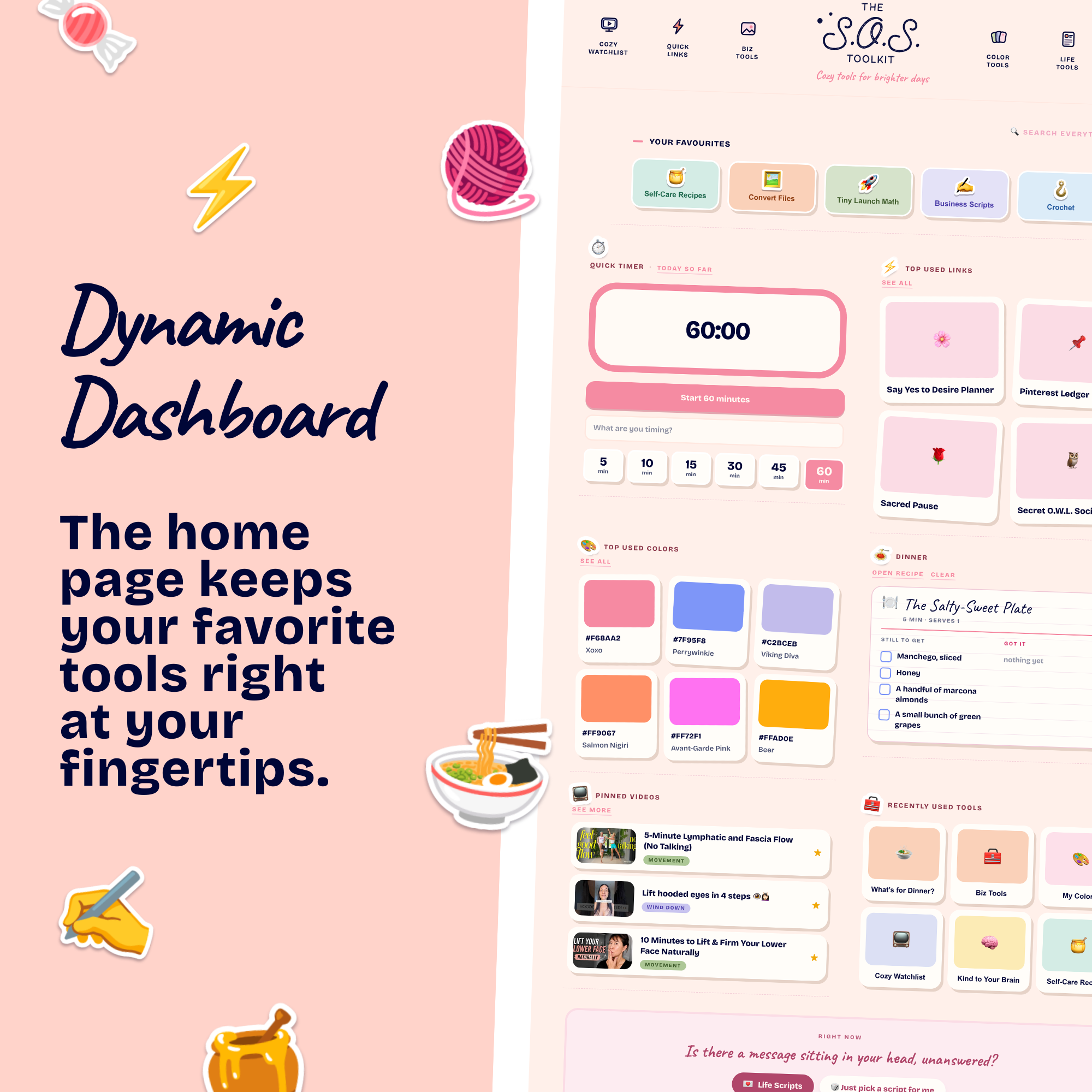 Image 4 of 16
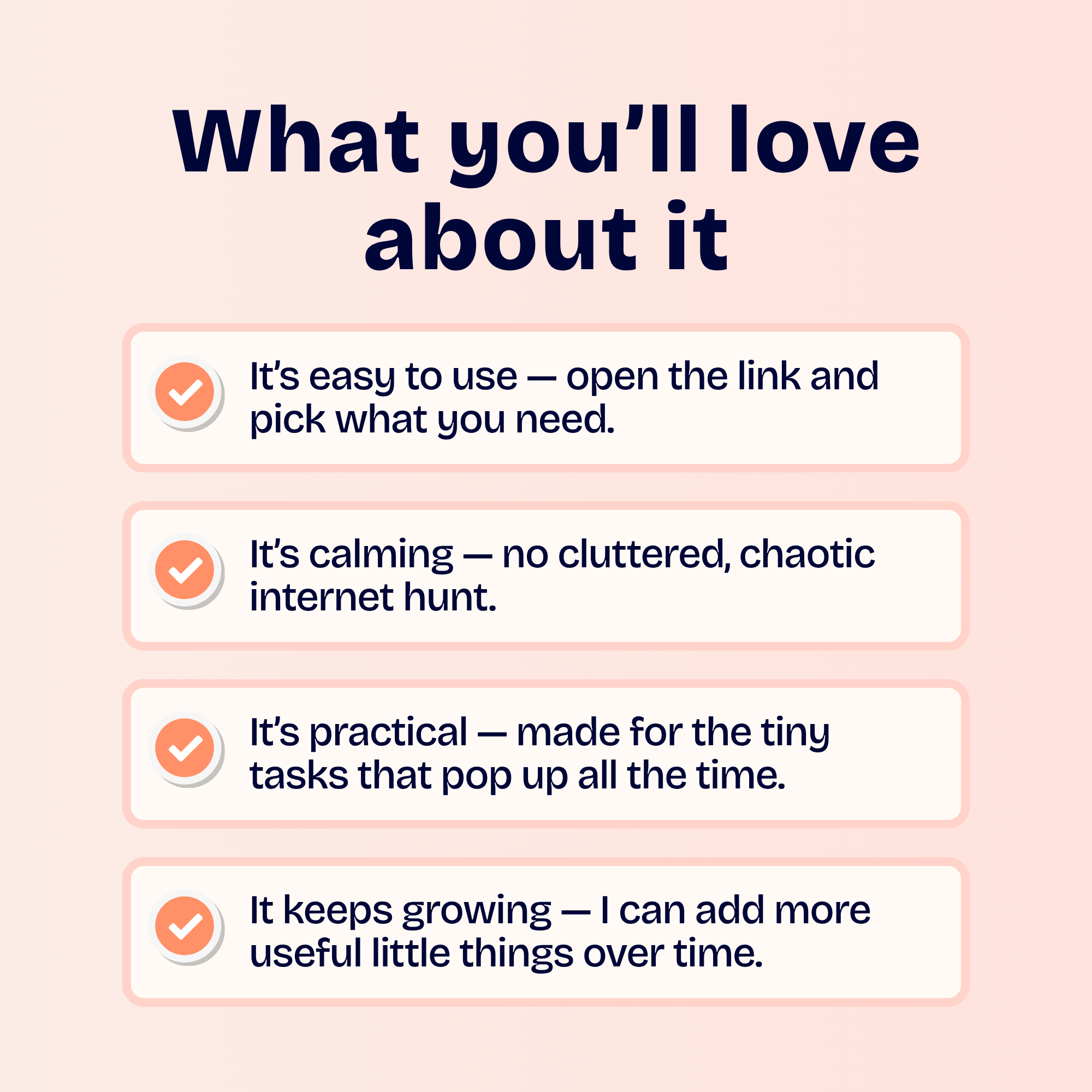 Image 5 of 16
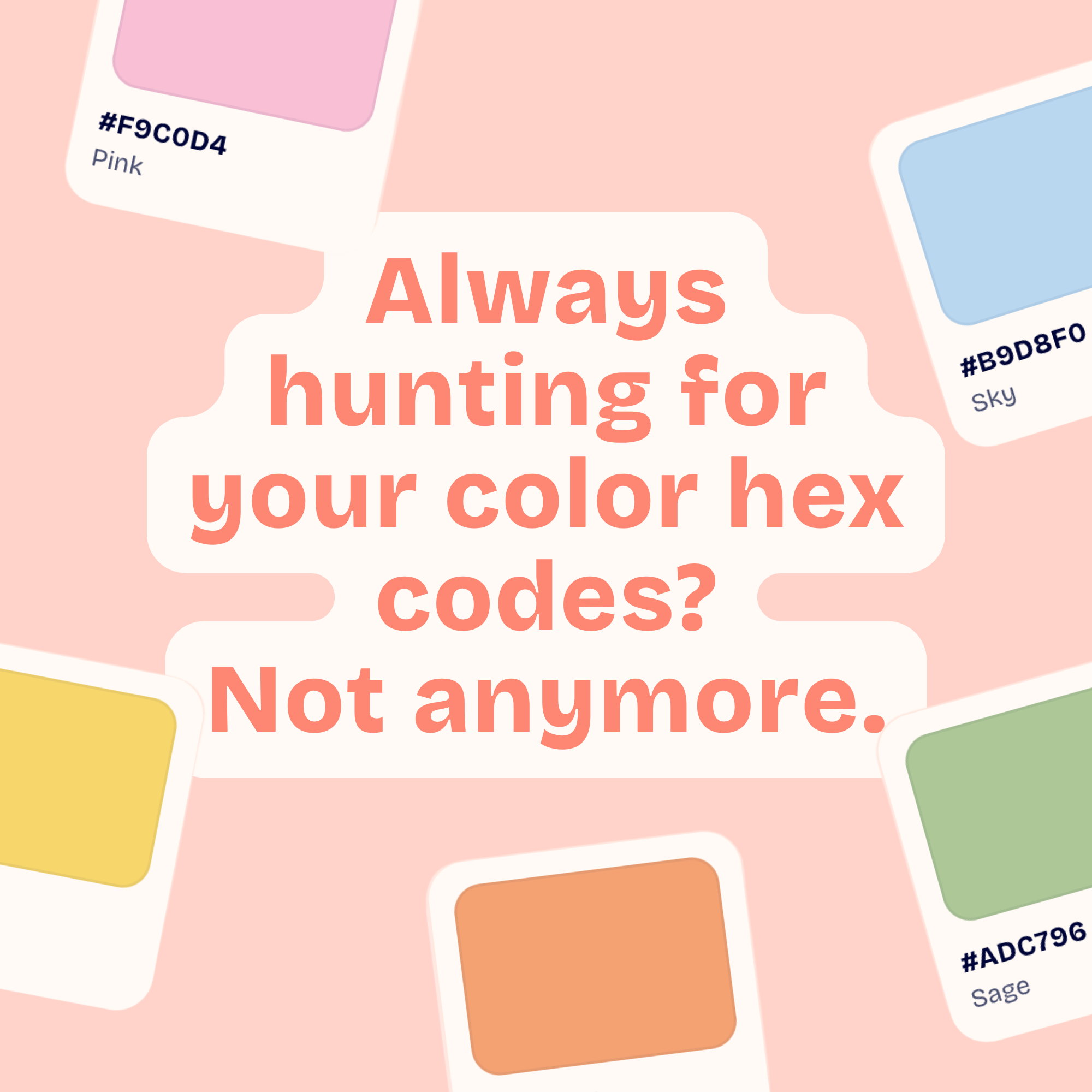 Image 6 of 16
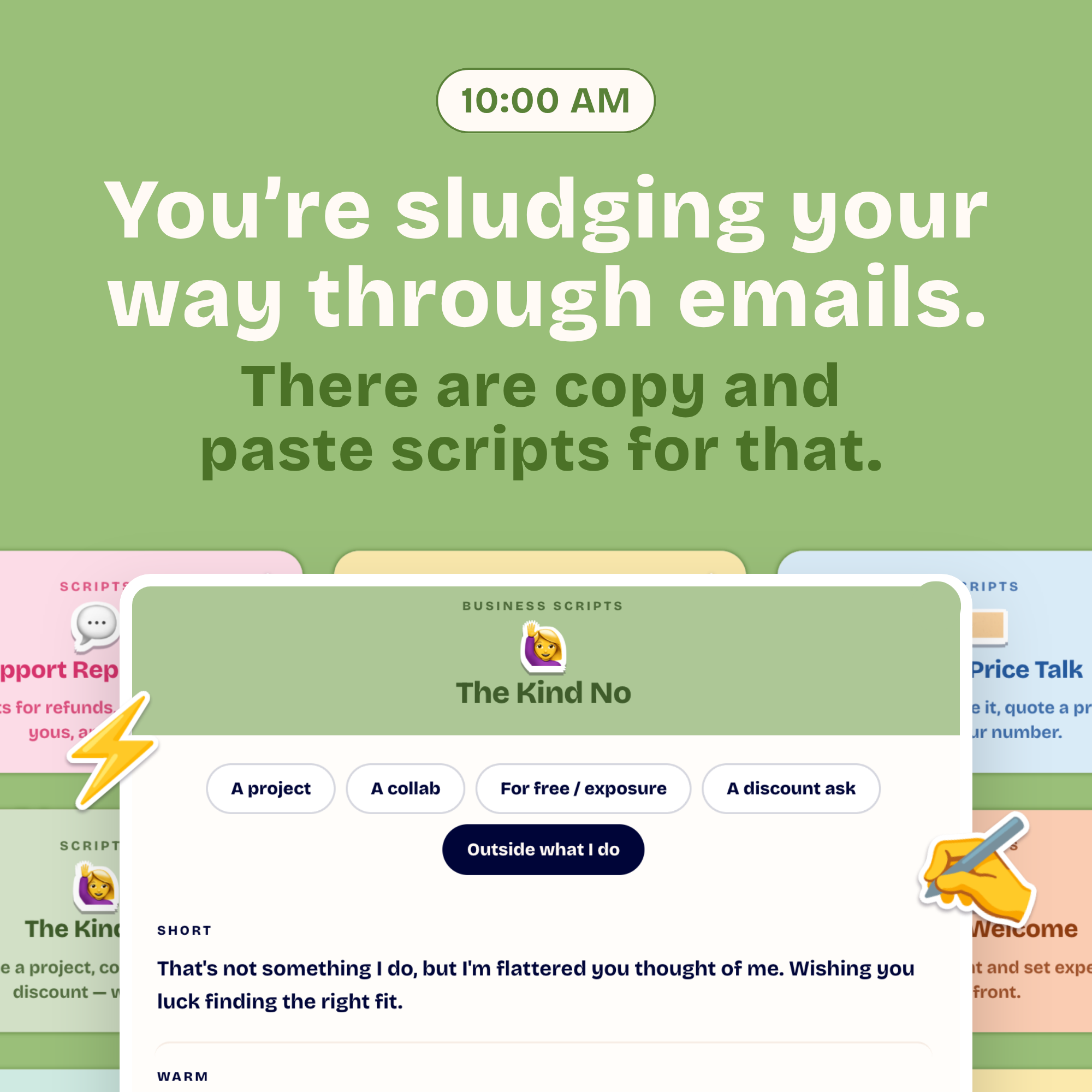 Image 7 of 16
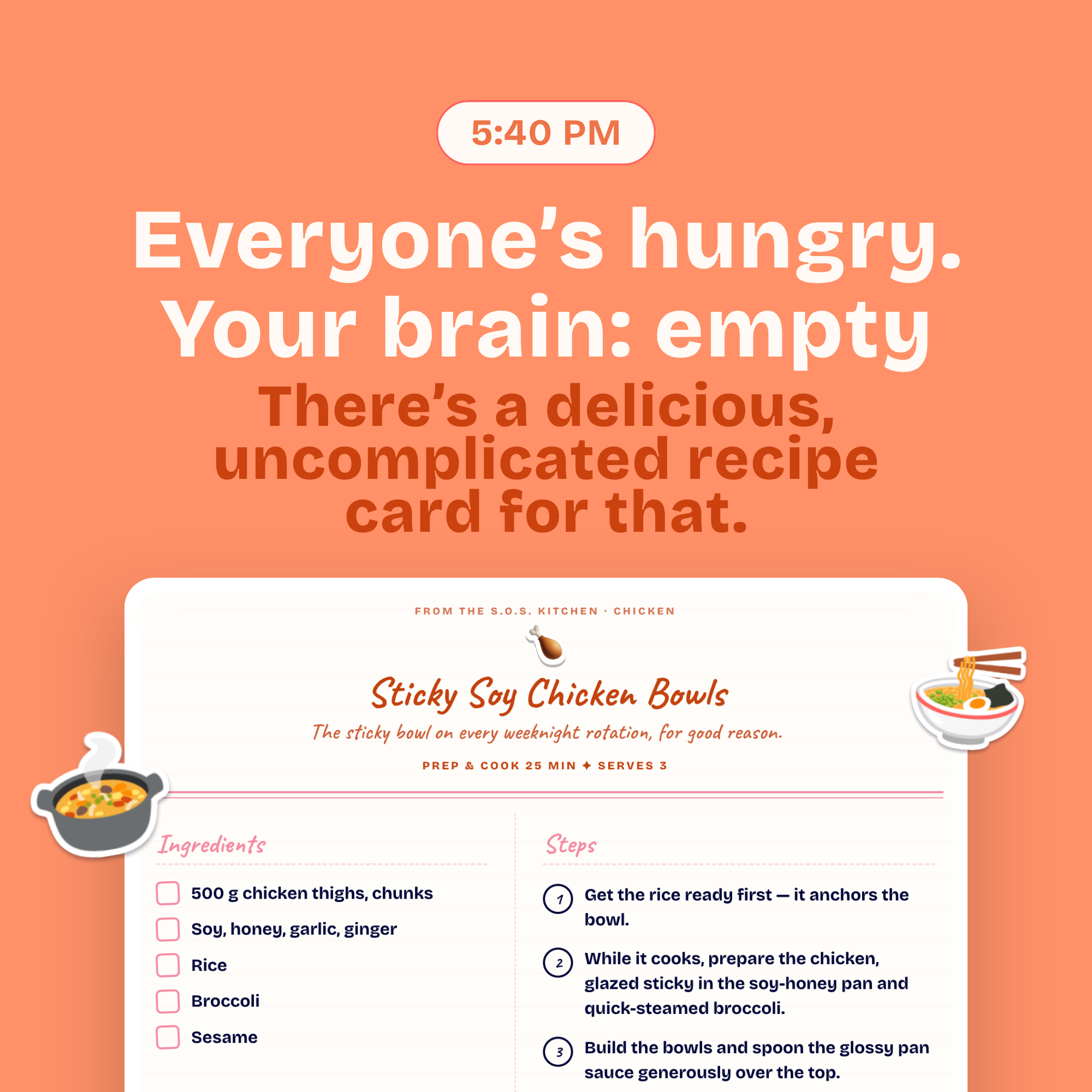 Image 8 of 16
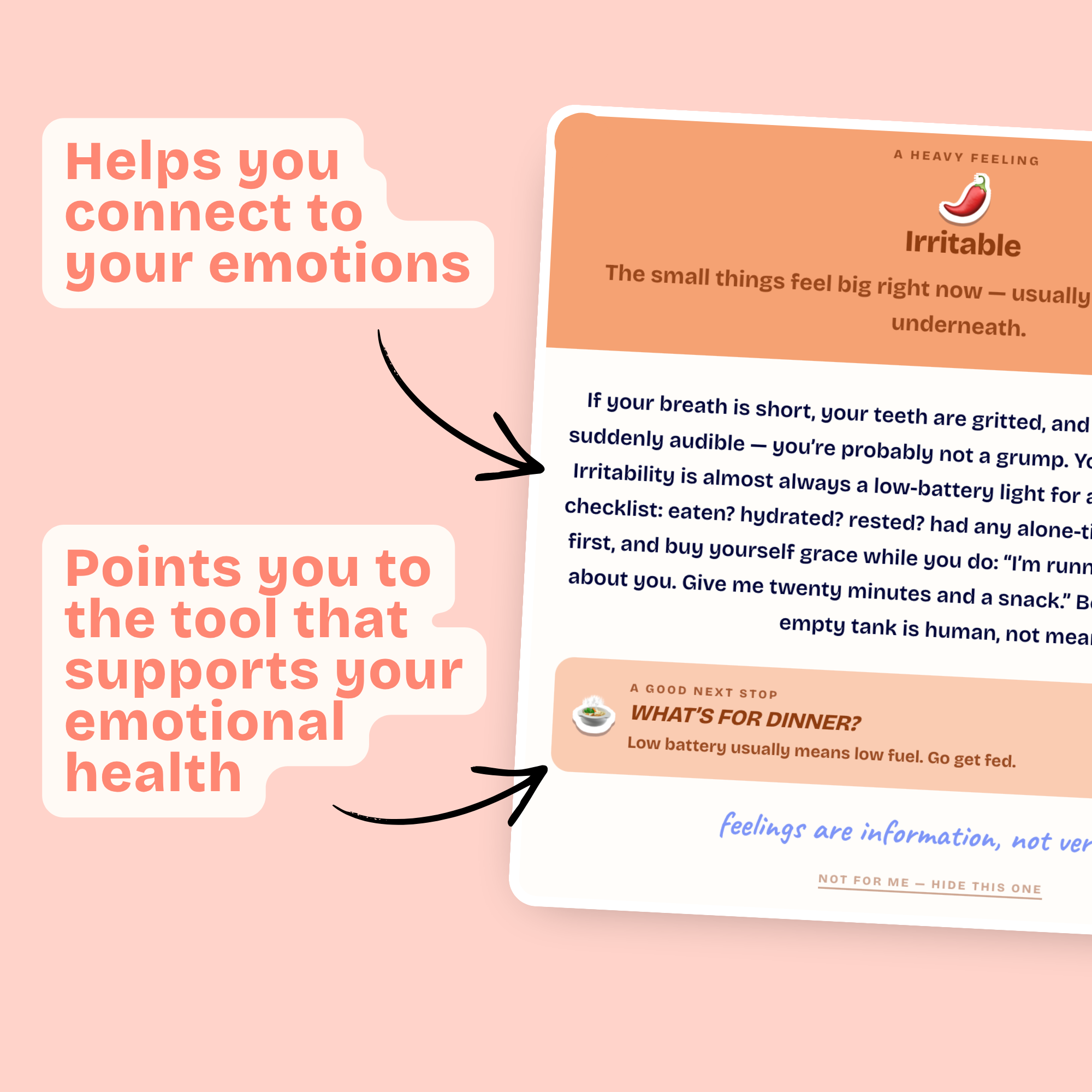 Image 9 of 16
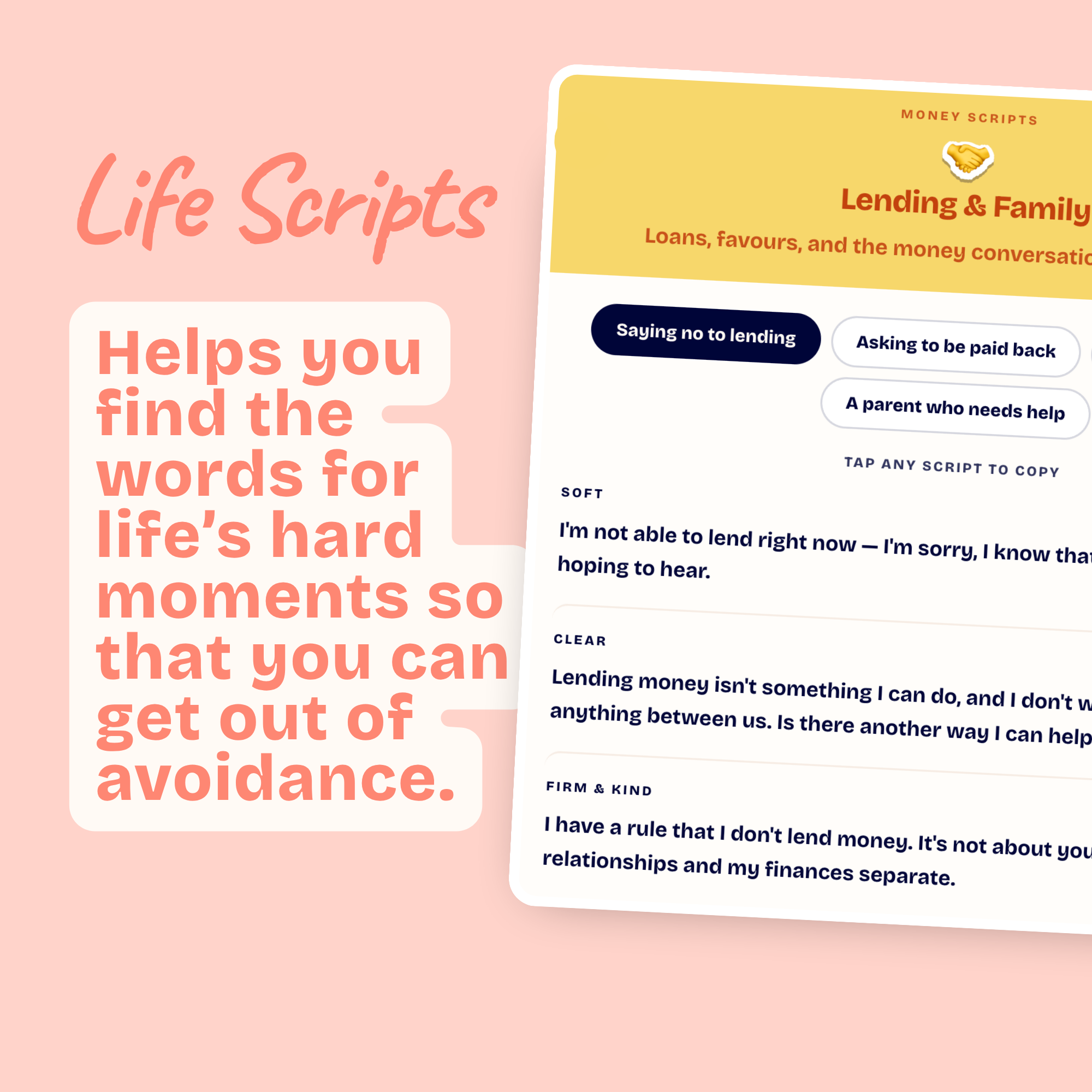 Image 10 of 16
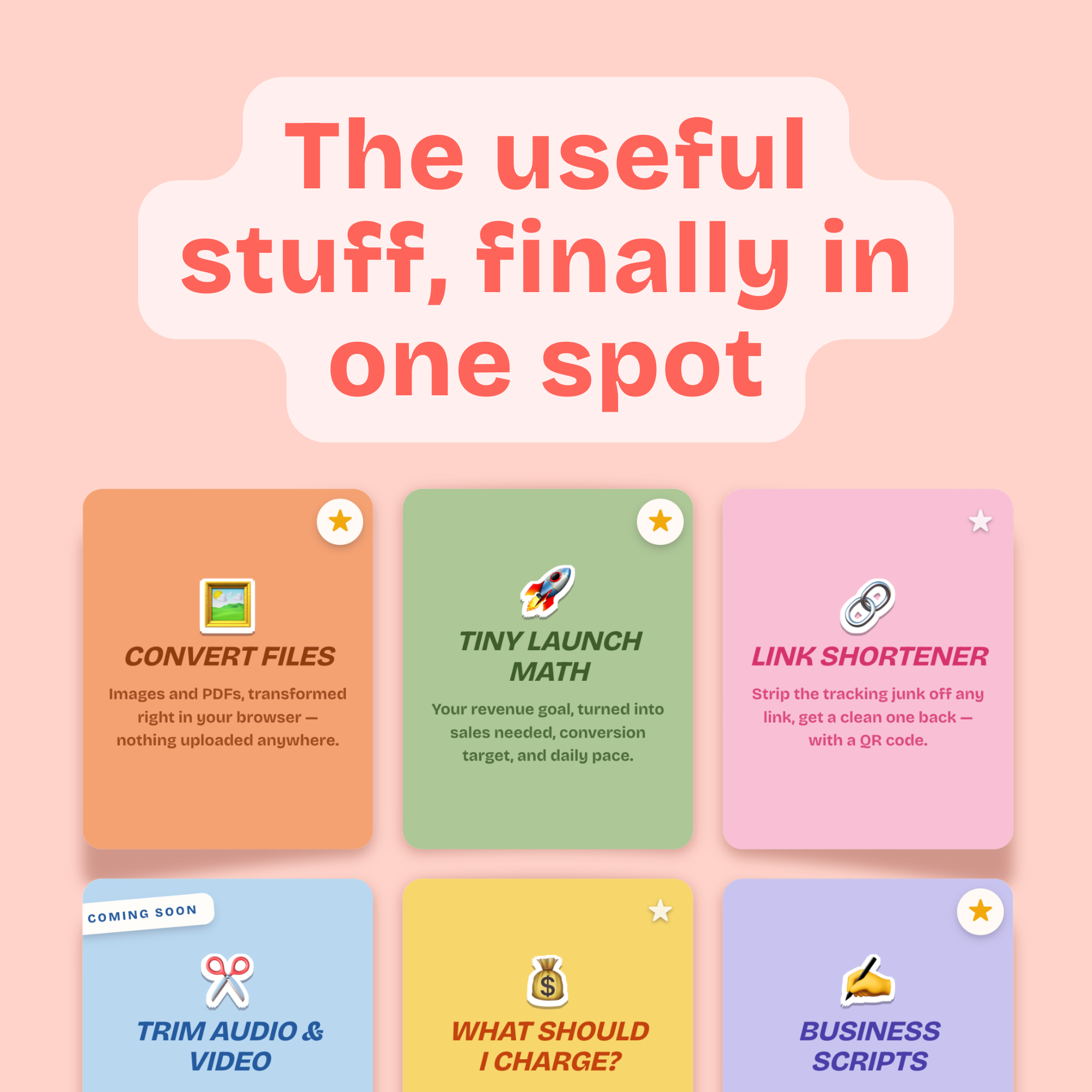 Image 11 of 16
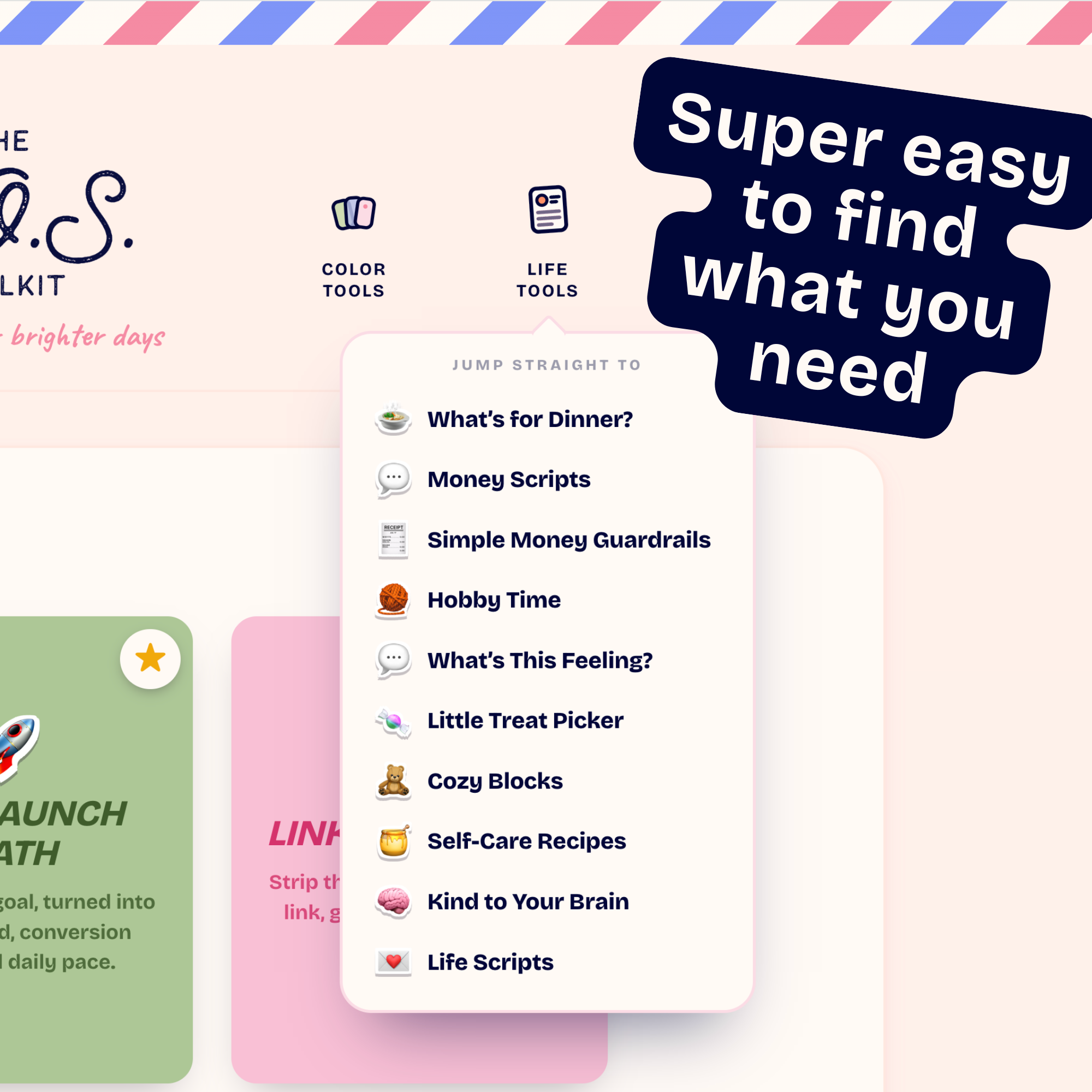 Image 12 of 16
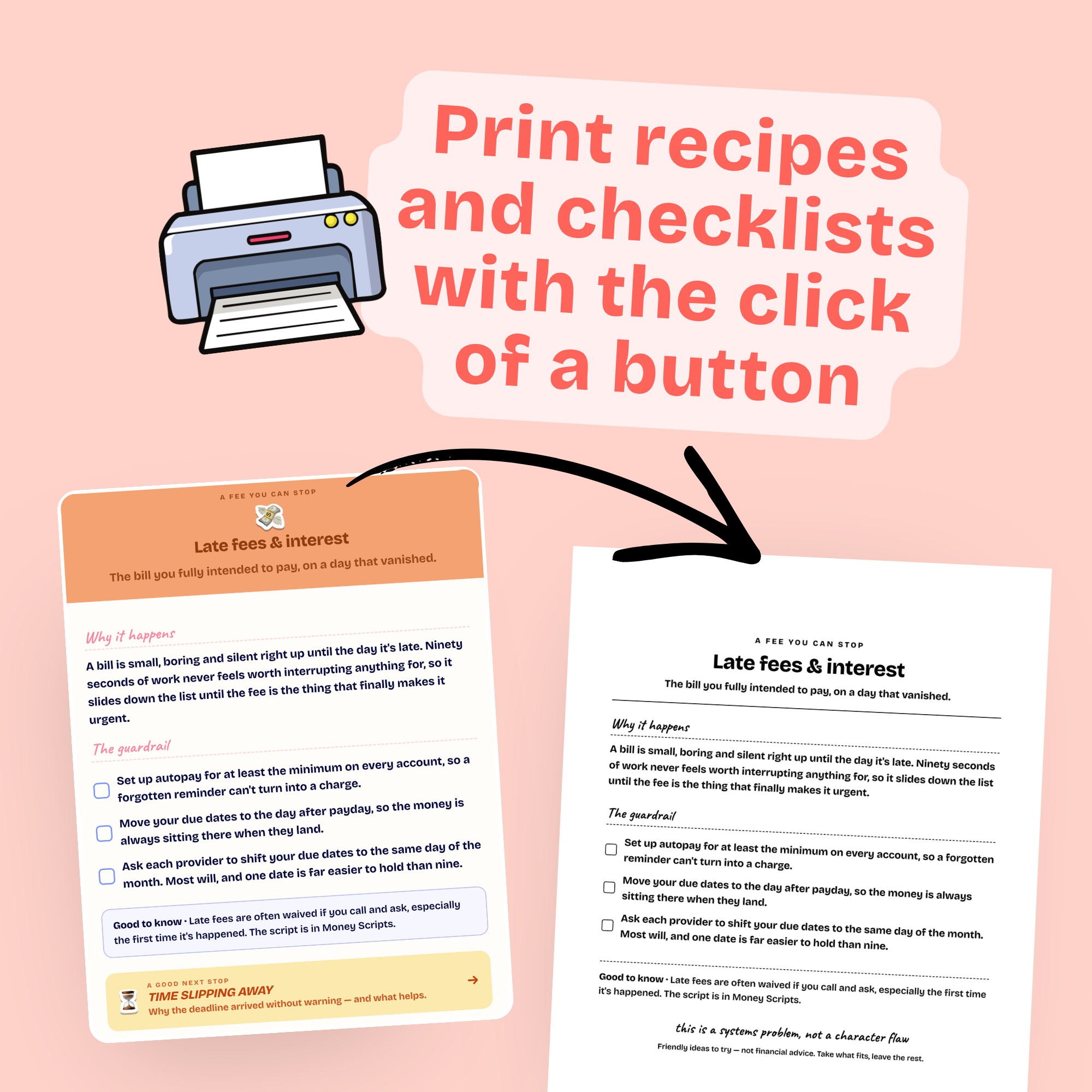 Image 13 of 16
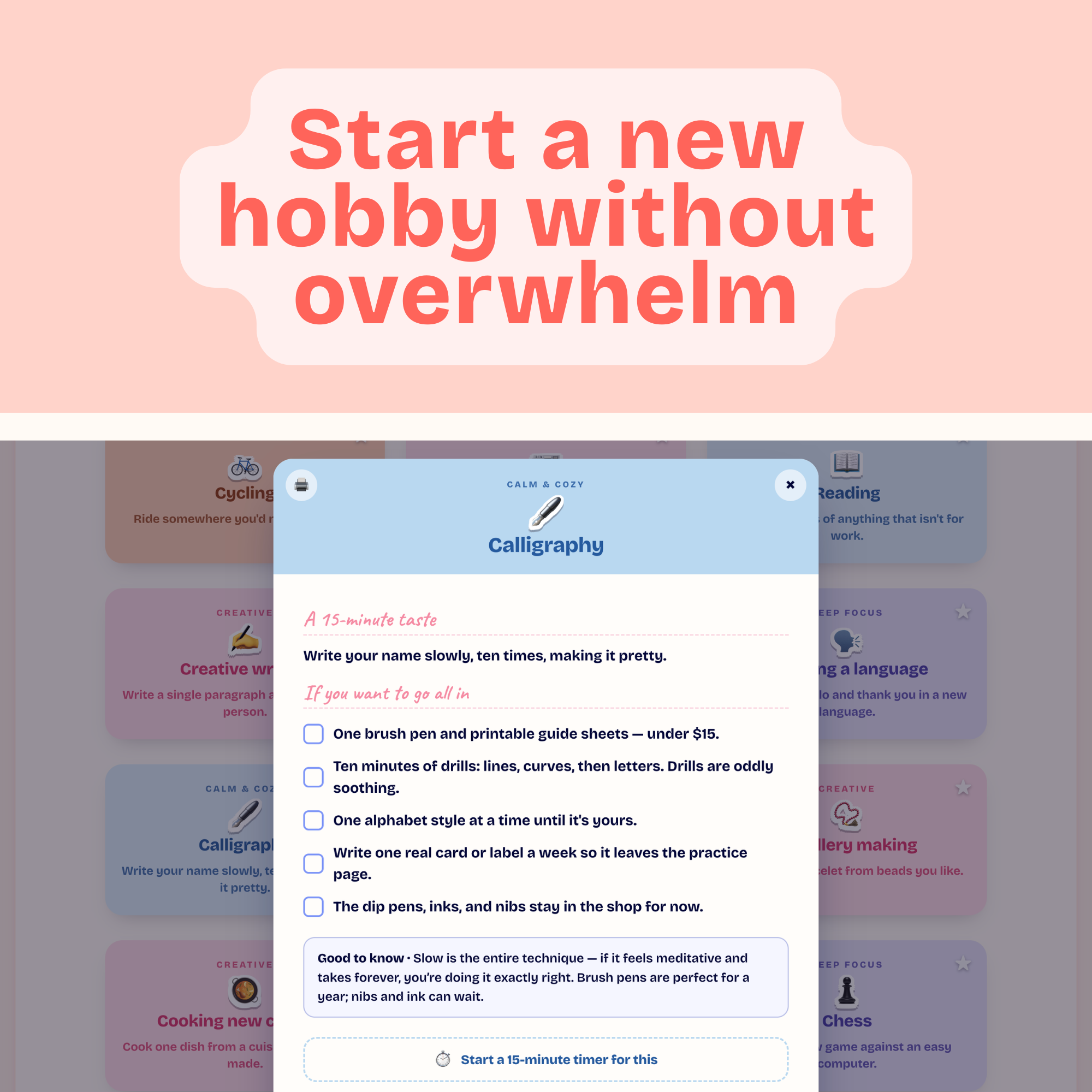 Image 14 of 16
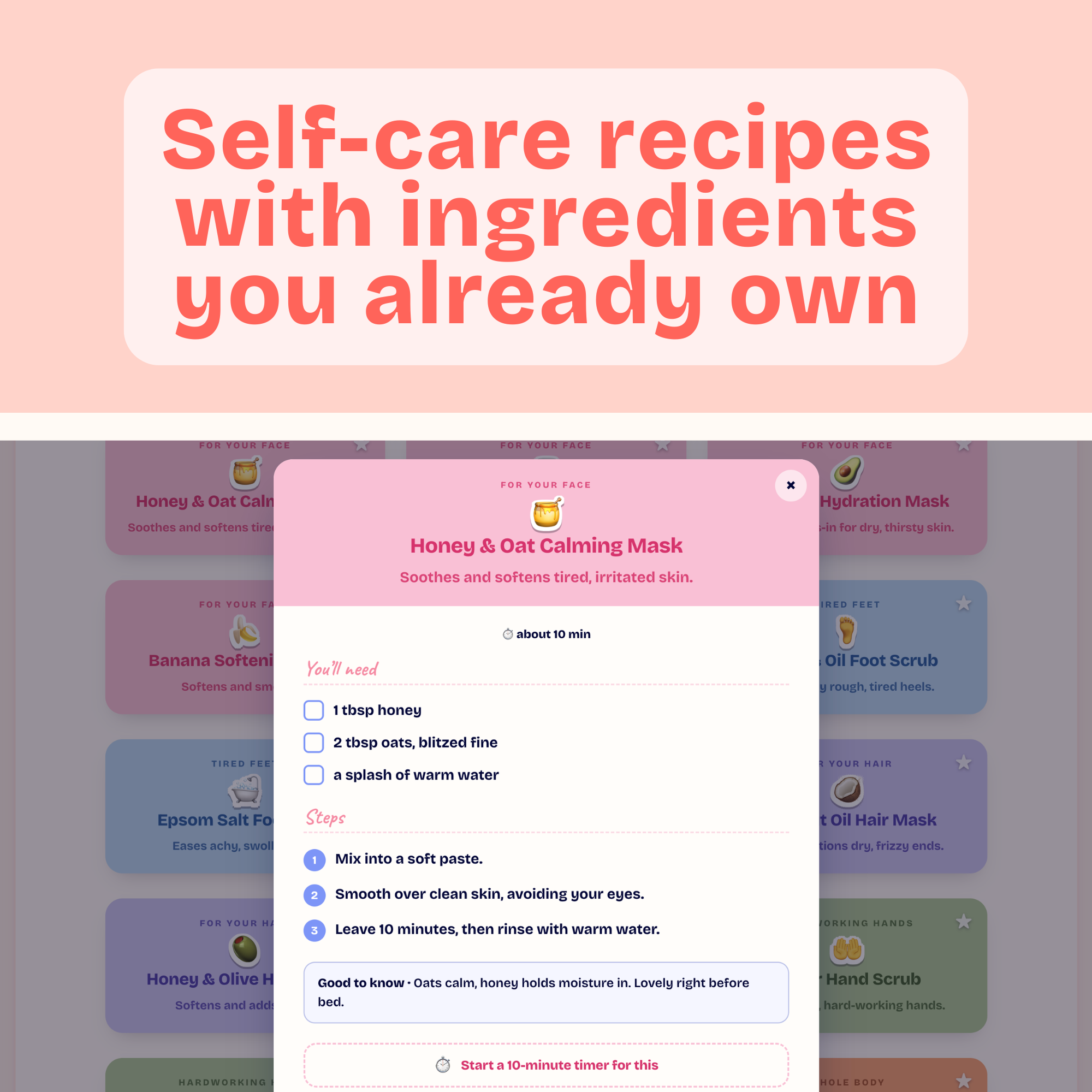 Image 15 of 16
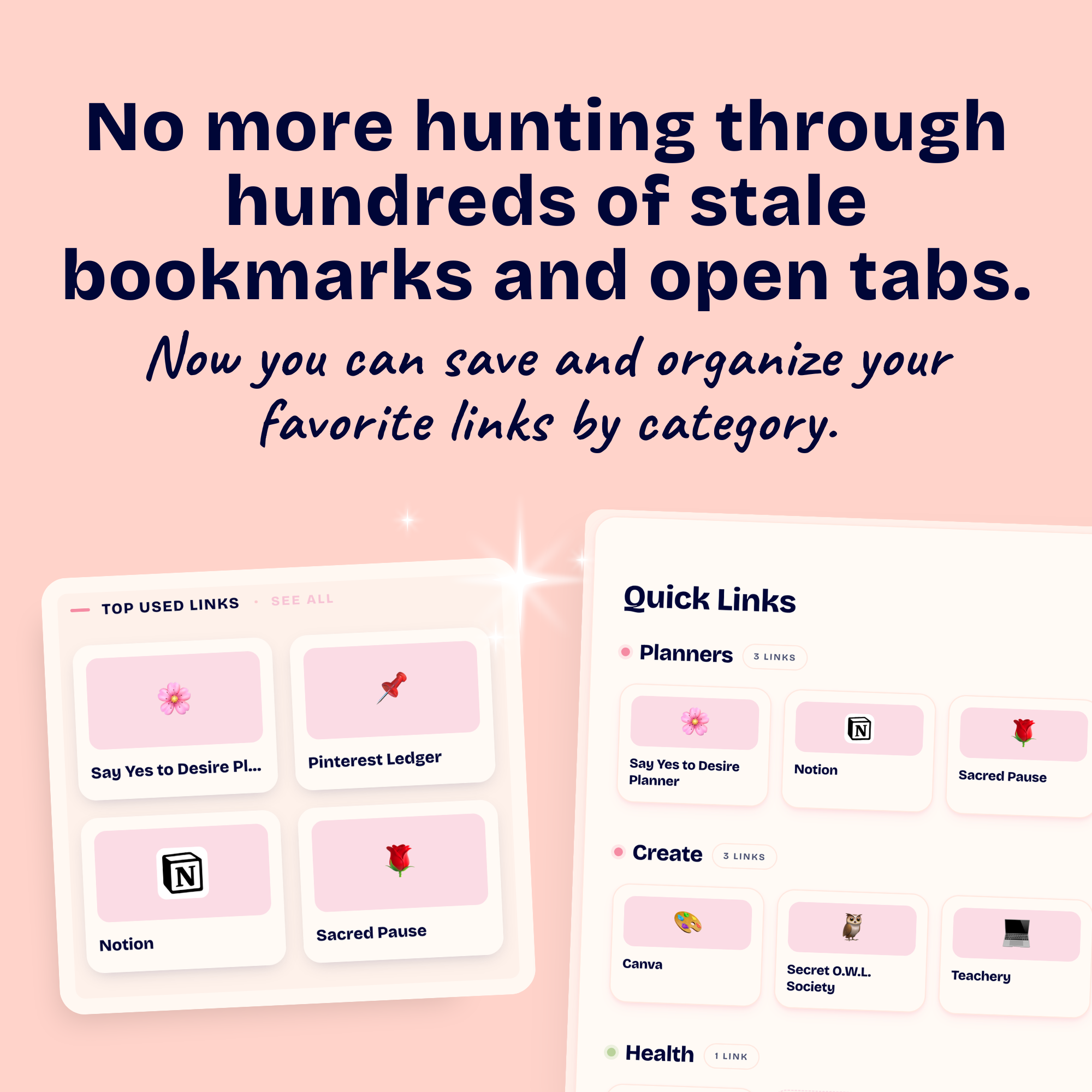 Image 16 of 16
⭐ ⭐ ⭐ ⭐ ⭐
"This cute app is brilliant. 💫 It is going to be one of my favorite tools to make my tasks and daily activities run smoothly! I really like the charming Treat Picker, and the Biz Tools. Thank you, Michelle."
- Monica, S.O.S. Toolkit CustomerInside The S.O.S. Toolkit
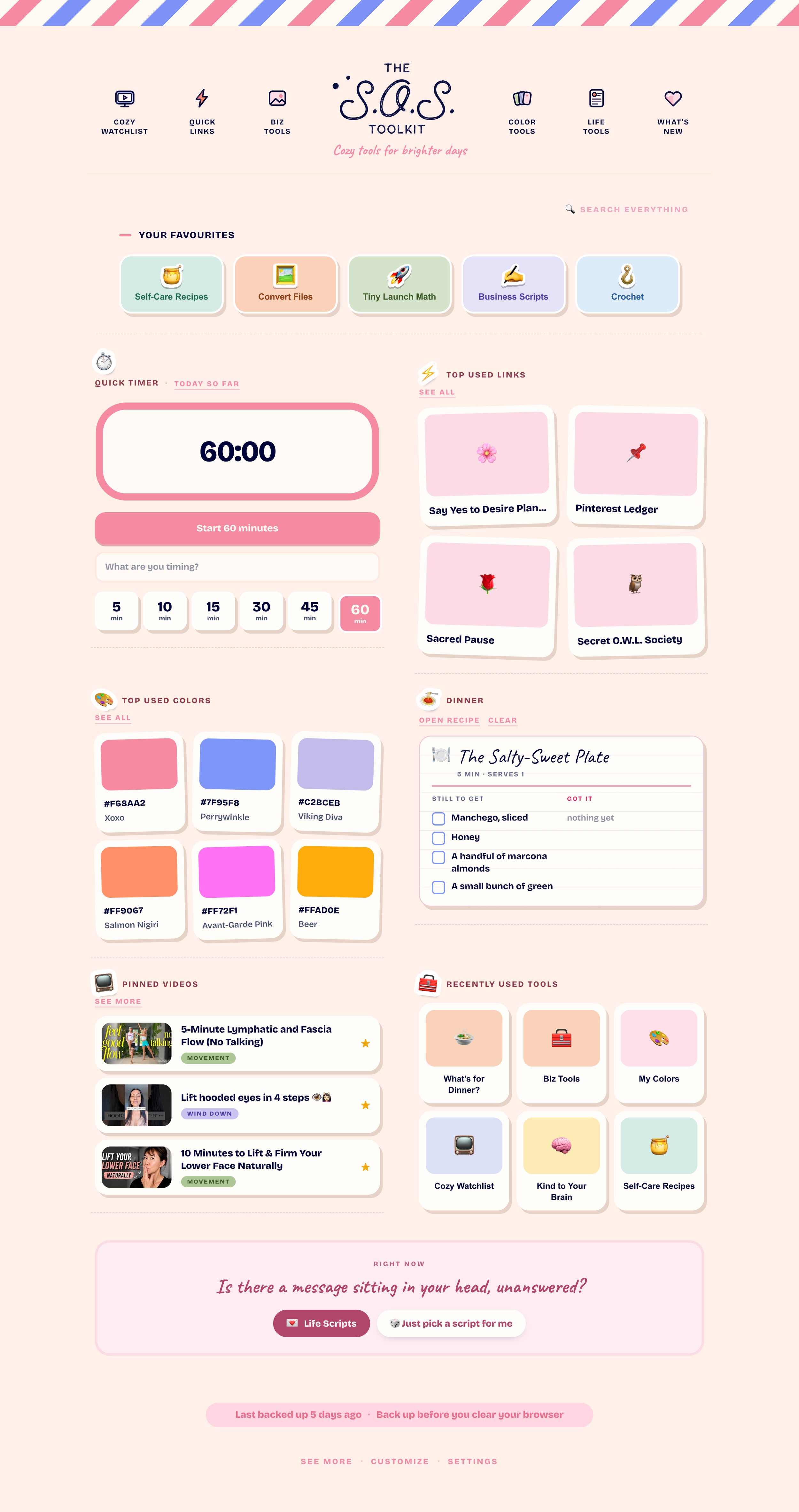
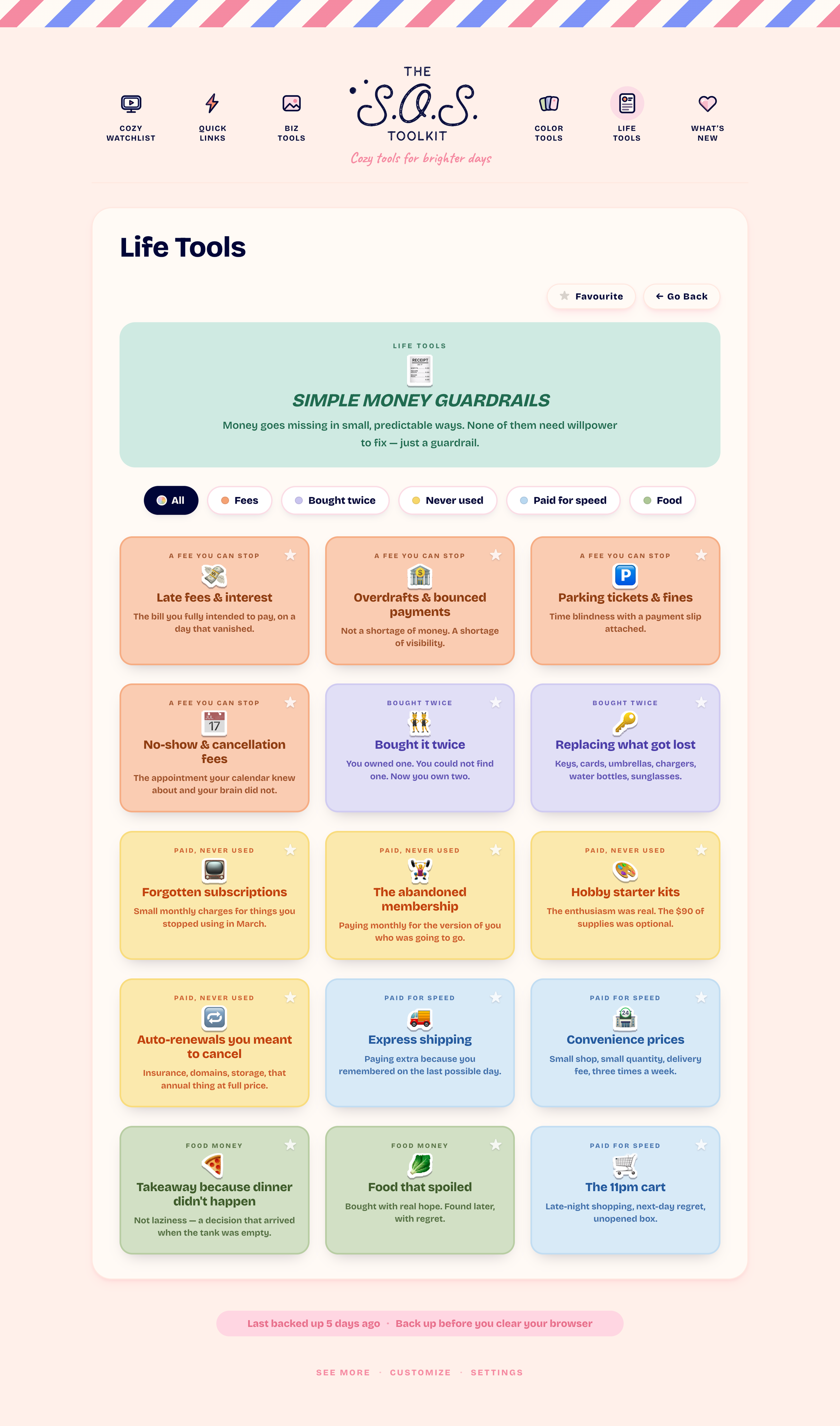
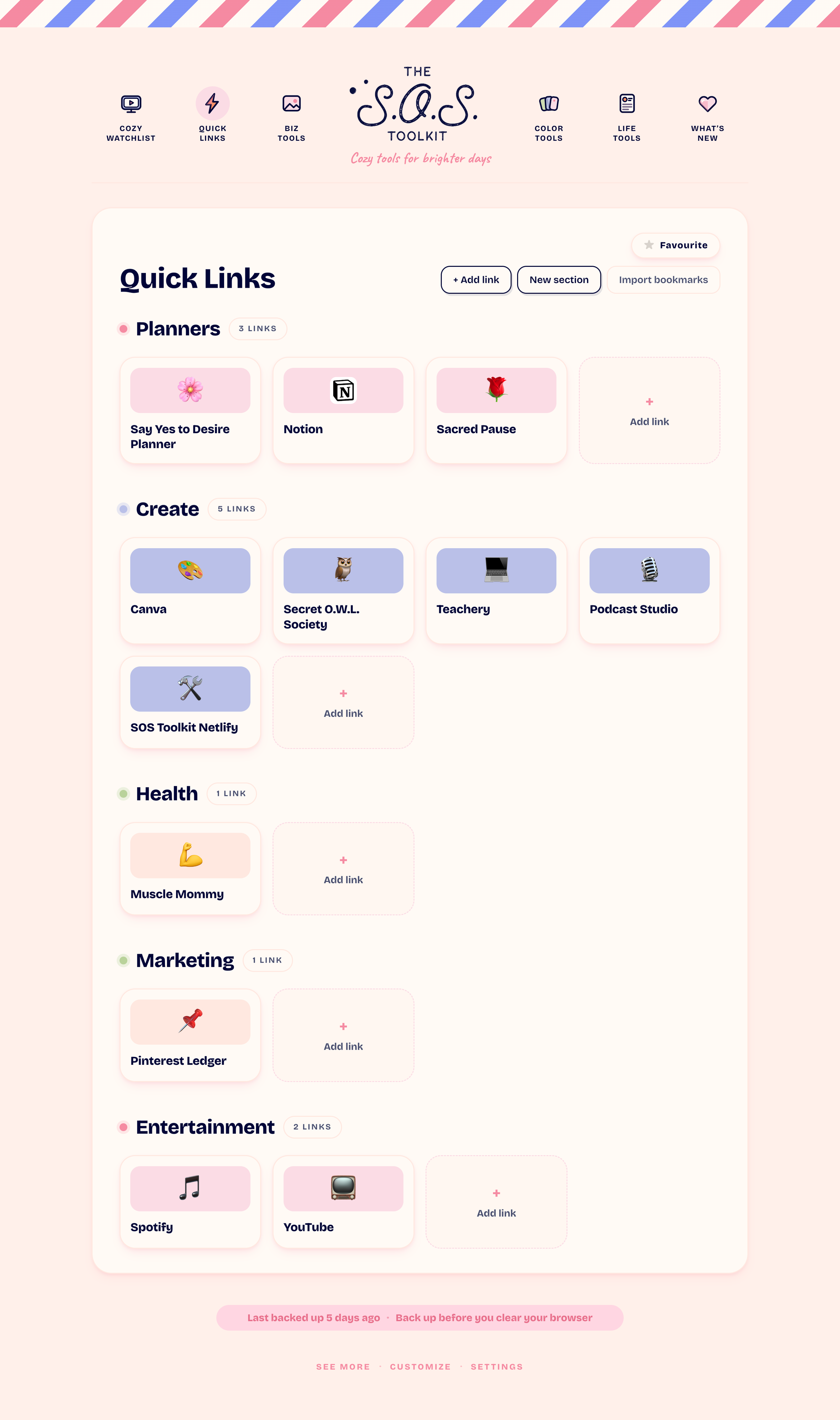
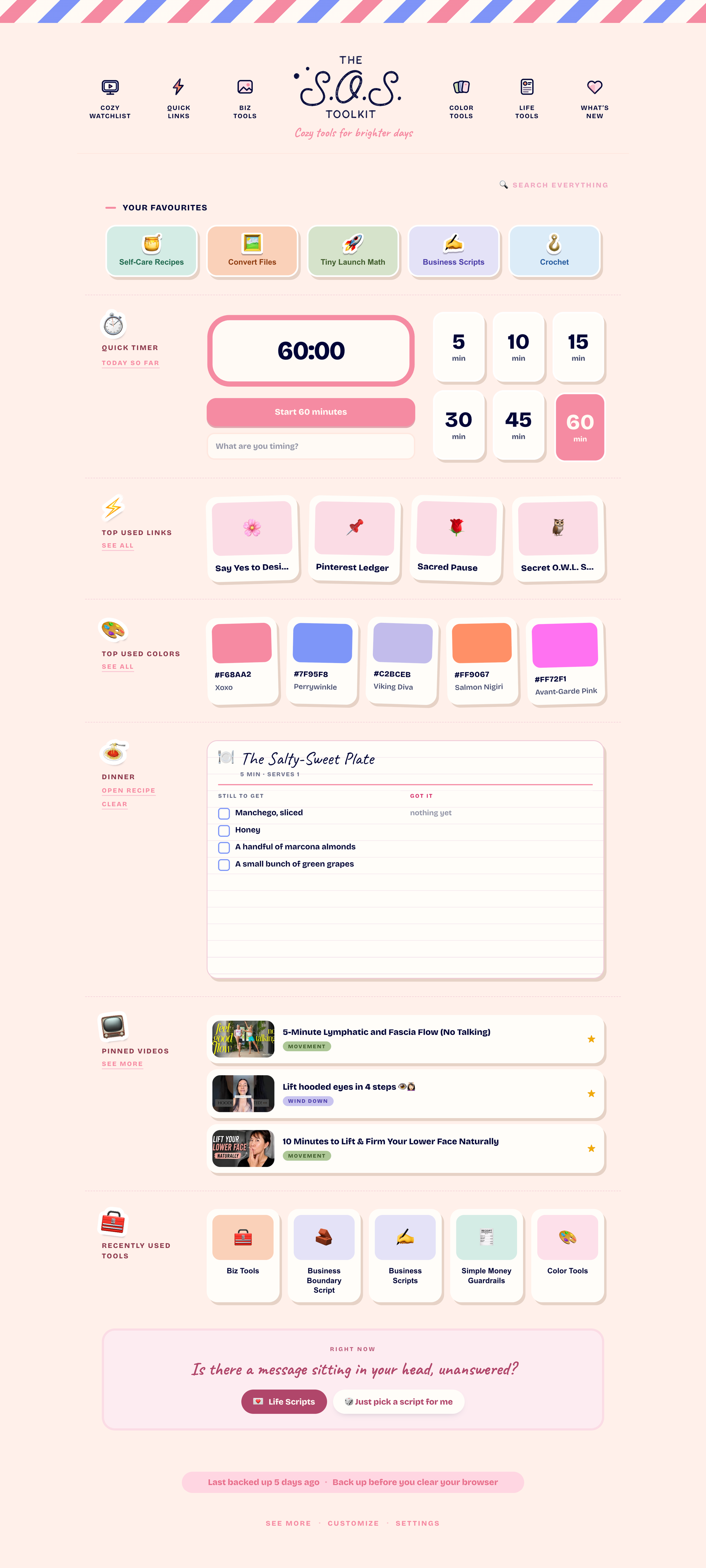
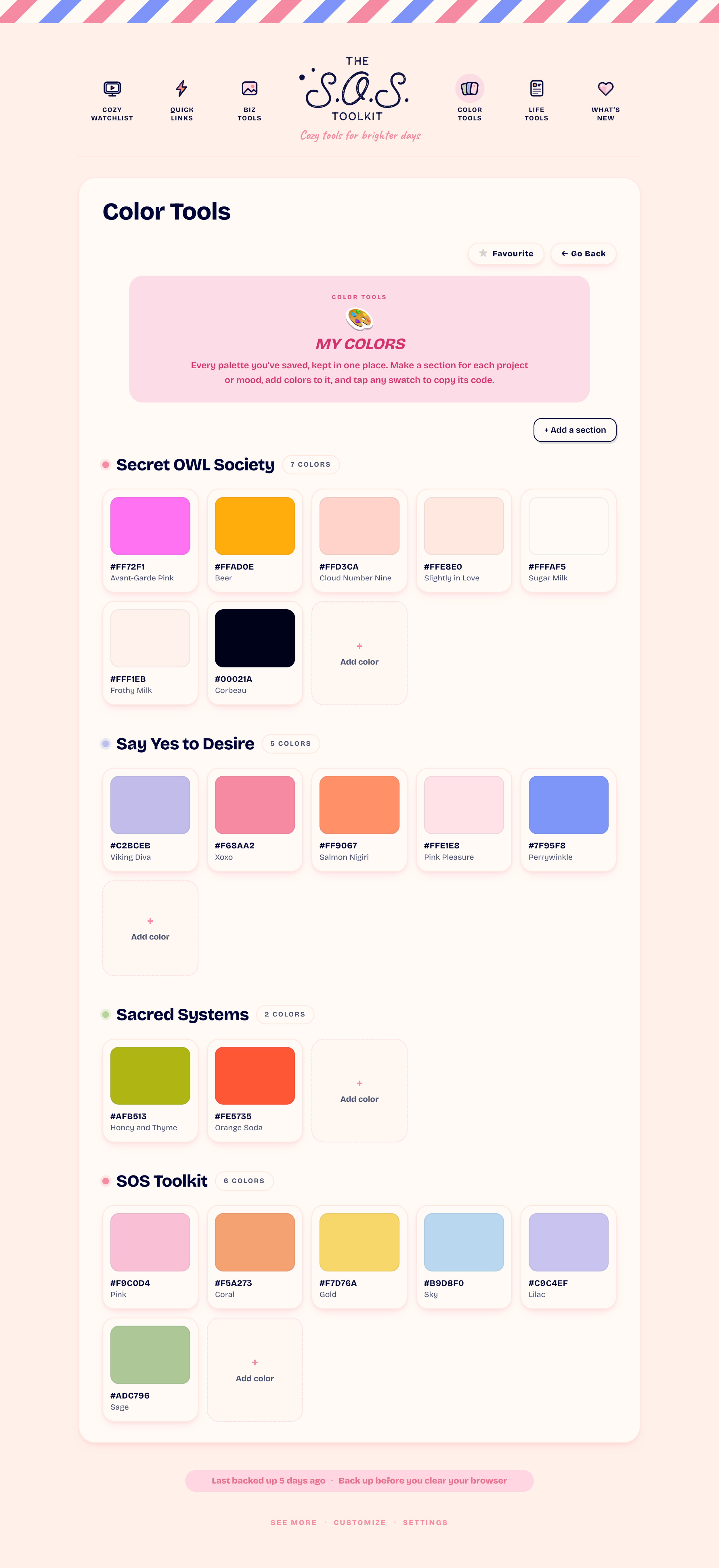
You’ll get a simple, bookmarkable dashboard with helpful everyday tools like:
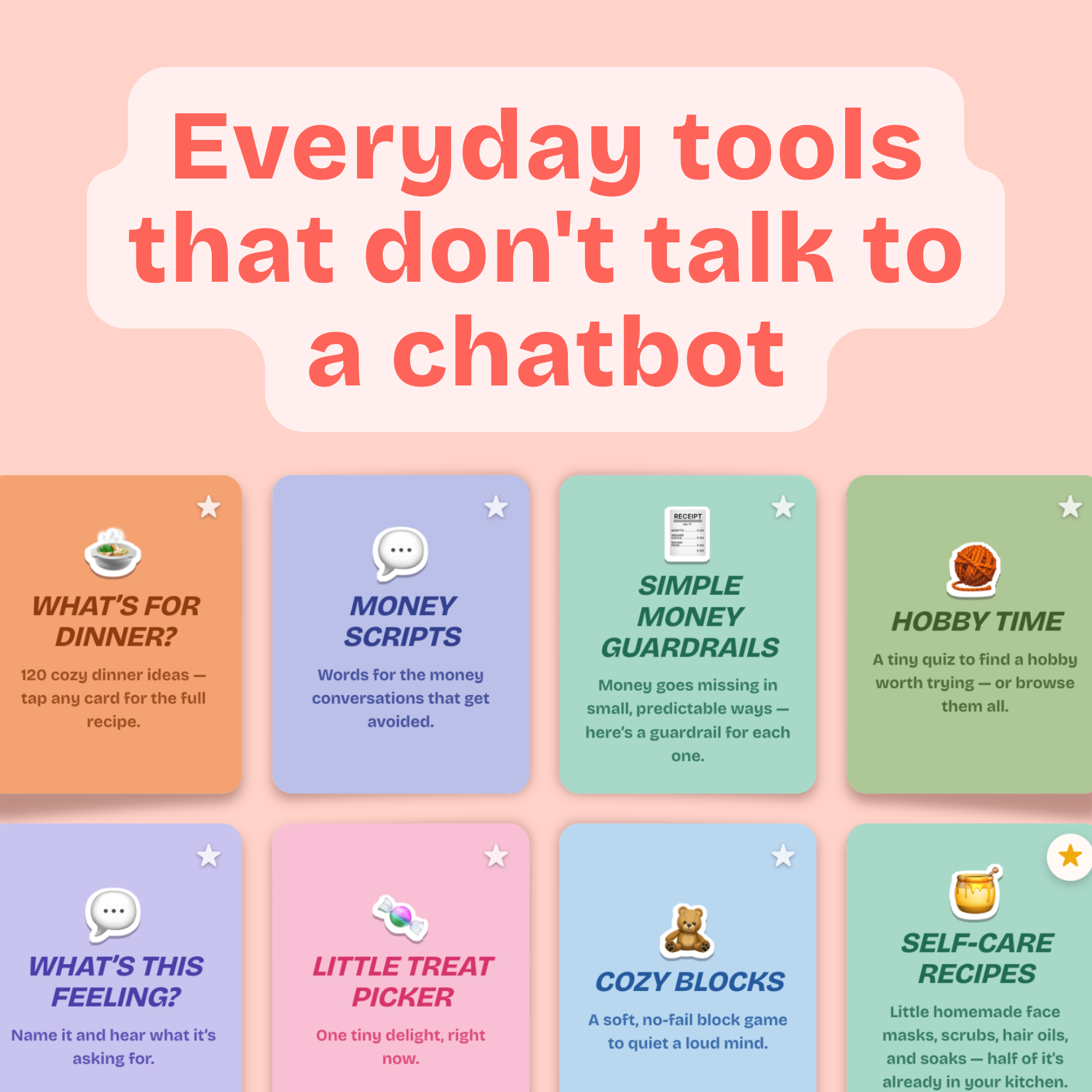
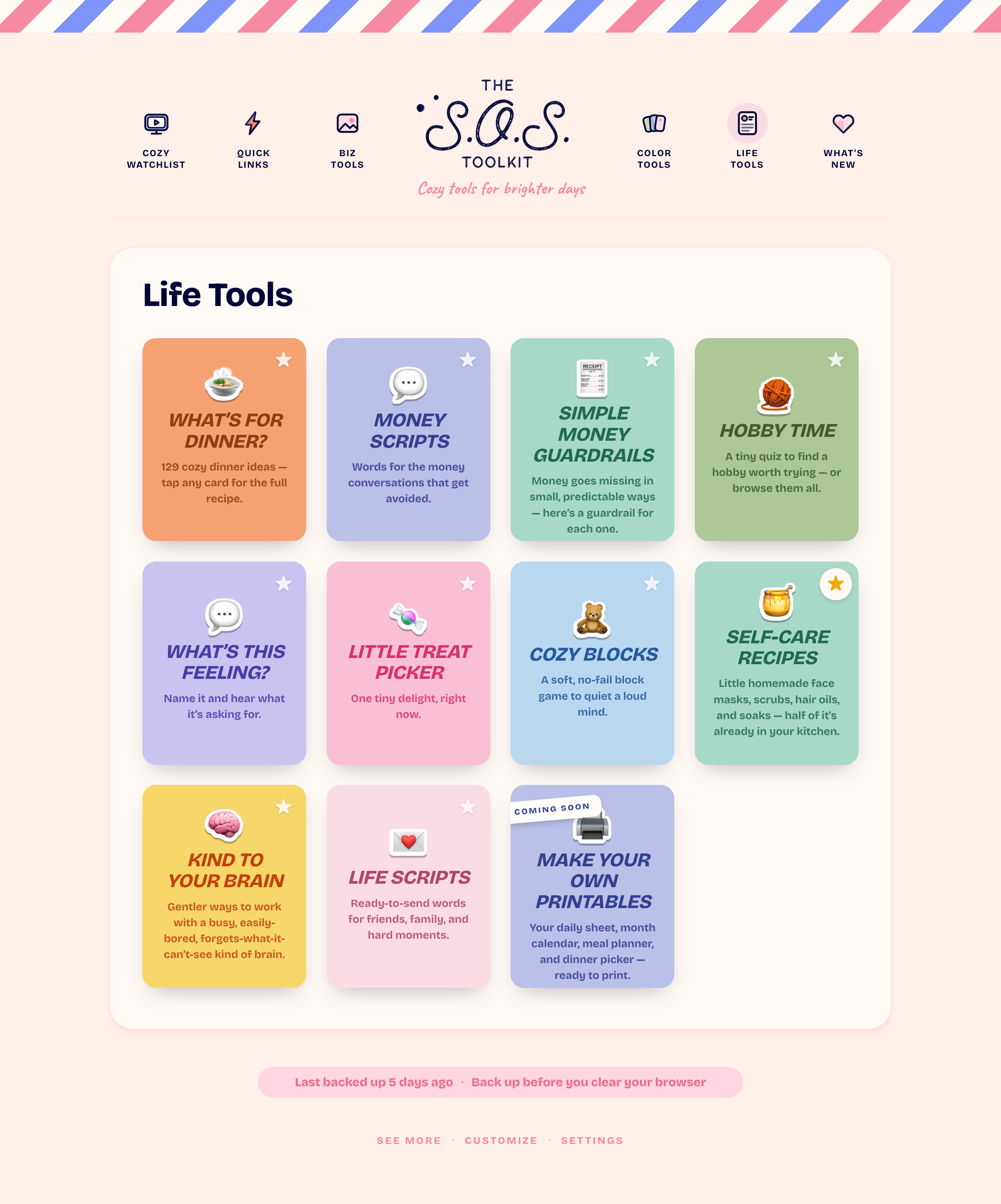
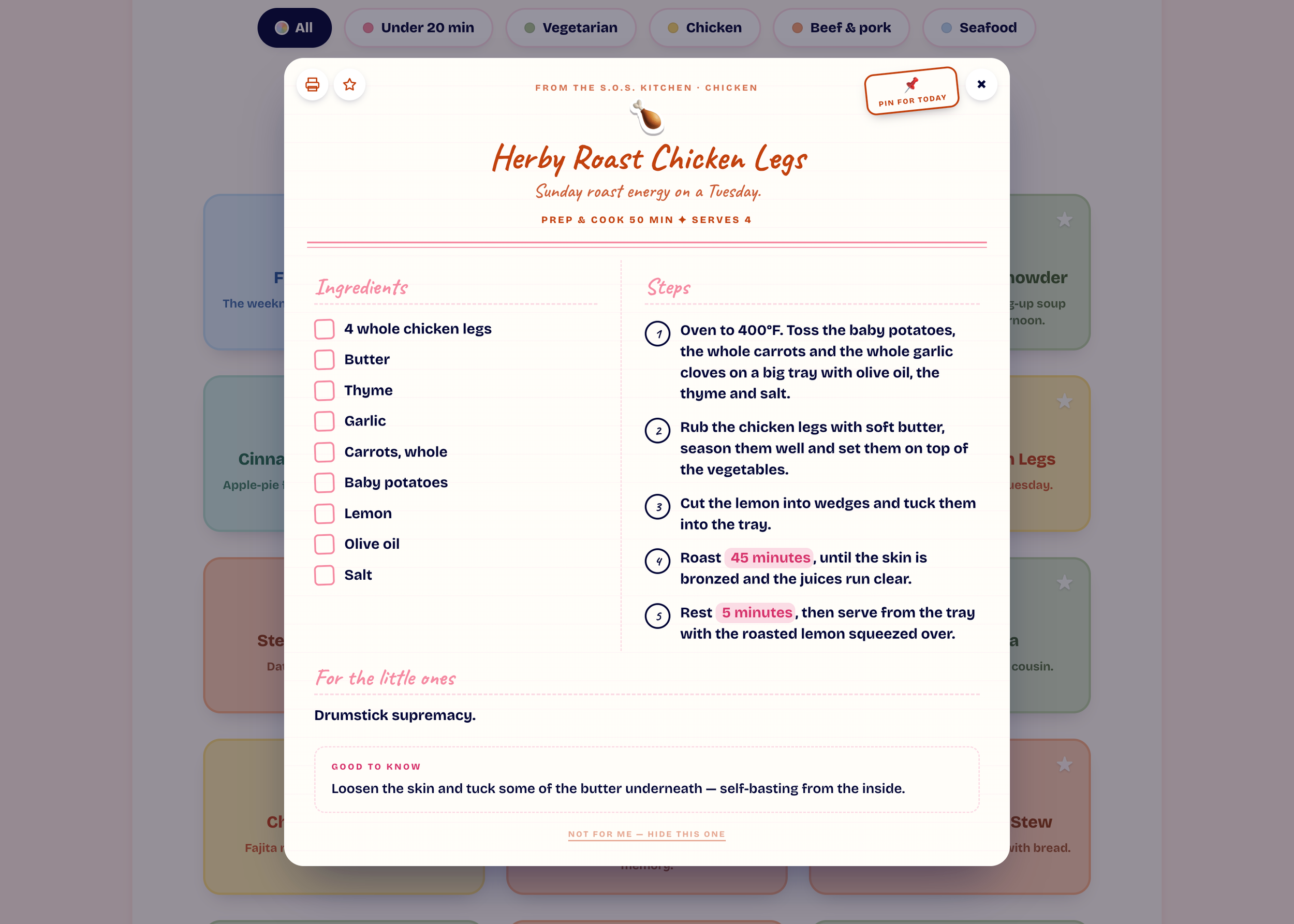
- 🍲129 dinner ideas — with the full recipe on the back of every card
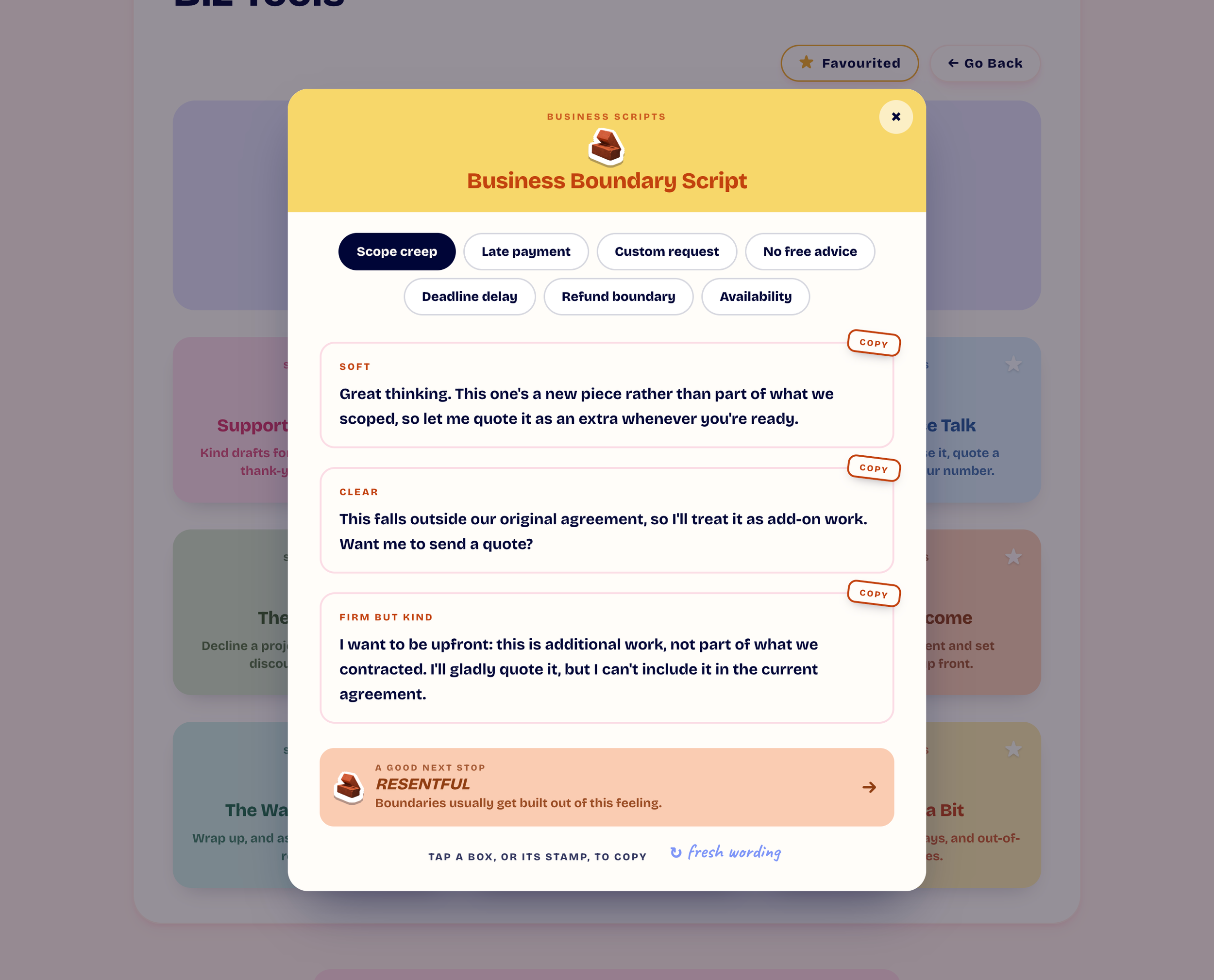
- 💌Ready-made words — for the emails and conversations you keep putting off
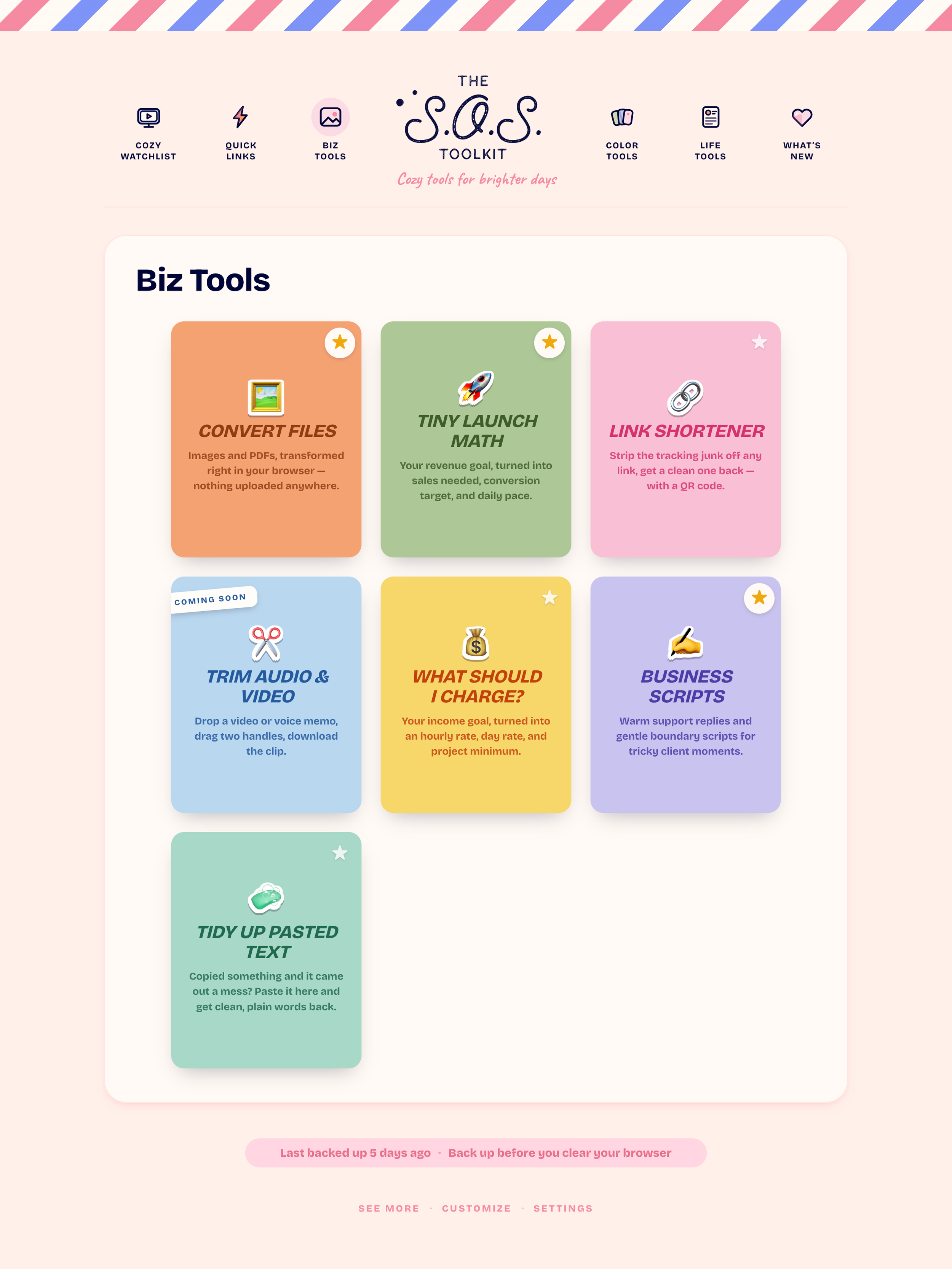
- 💰What Should I Charge? — your income goal, turned into a real rate
- 🎨Colour tools — save palettes, check contrast, pull colours out of a photo
- 🧼Tidy up pasted text — fix anything that copied over as a mess
- 🖼️Convert files — images and PDFs, right in your browser
- ⚡Quick Links — the handful of sites you open every single day
- ⏱️A timer that follows you — start it anywhere, watch it from anywhere
- 🍯Self-care recipes — with ingredients that are probably already in your kitchen
- 🧶46 hobbies — each with a fifteen-minute taste before you commit
- 💬Name that feeling — and hear what it’s actually asking for
- 📺Cozy Watchlist — the videos that genuinely help, kept in one place
And more!
Just a cozy little page full of things
you’ll actually use.
Fully private
No account. No tracking.
No subscription
Pay once. Updates free.
ADHD-friendly
Big text. Few decisions.
Cozy, not clinical
Feels like a hug, not a to-do list.
✨ pay what you want ✨
Same toolkit, same everything, same future updates — whichever you pick. Just choose the number that feels good to you.
✨ Every option includes ✨
✔A private link to your very own S.O.S. Toolkit — no need to download anything or create an account. Just click on the link and bookmark it.
✔Free access to every enhancement I make to The S.O.S. Toolkit in the future.
✔One simple purchase. Buy once. No subscription fatigue.
here to help
Questions and Answers
🔑How do I get in after I buy?
You'll get a private link plus a password. Click the link, type in the password once, and you're in — it'll only ask you that one time on your device.
📥Do I need to download anything or make an account?
Nope. It opens right in your browser, no installs and no login. Bookmark the page once and it's one click away every time after that.
✏️Can I add my own things to it?
Yes, in three places:
- YouTube videos in the Cozy Watchlist
- Your own quick links
- Your own colour hex codes
This tool isn't designed to be deeply customised since it lives on your browser instead of on a server. Keeping it simple is what helps me keep the price low.
🔒Is my information private?
Completely. Everything you save — your videos, links, colours and anything you tick off — stays in your own browser. There's no account, no database, and nothing is tracked or shared.
💾What if I clear my browser or switch devices?
Since everything lives in your browser, clearing your history or cache will reset it, and each browser is its own separate copy. That's why there's a one-click backup button at the bottom of every page — save a backup file anytime, and restoring it brings everything right back.
📱Does it work on my phone?
Yes, everything works on a smaller screen. The dashboard especially loves the extra room a laptop or desktop gives it, so it's happiest there — but your phone works just fine too.
💳Is this a subscription?
No. It's one simple purchase, and that includes free access to every future update — no recurring fees, ever.
🧠Is this only for people with ADHD?
Not at all. It's built ADHD-friendly — big text, few decisions, nothing to configure — but it's made for anyone who wants a calmer, more supported day.
💌Still have a question?
Message me anytime through the chat button in the bottom left corner of the screen.
✨ pay what you want ✨
Same toolkit, same everything, same future updates — whichever you pick. Just choose the number that feels good to you.
✨ Every option includes ✨
✔A private link to your very own S.O.S. Toolkit — no need to download anything or create an account. Just click on the link and bookmark it.
✔Free access to every enhancement I make to The S.O.S. Toolkit in the future.
✔One simple purchase. Buy once. No subscription fatigue.